SEJR for your restaurant with events
Sell tickets for your events. Guests pay when they book.
Seafood night, wine tasting, a concert in the back room or a talk: create the event in the till, and guests buy the ticket at your own address. They get it by email, and you scan it at the till by the door. Tickets come with SEJR E-shop at 79 kr. a month on top of the till.
- Paid in advance
- The ticket by email
- Scanned at the till by the door
- SEJR E-shop 79 kr. a month
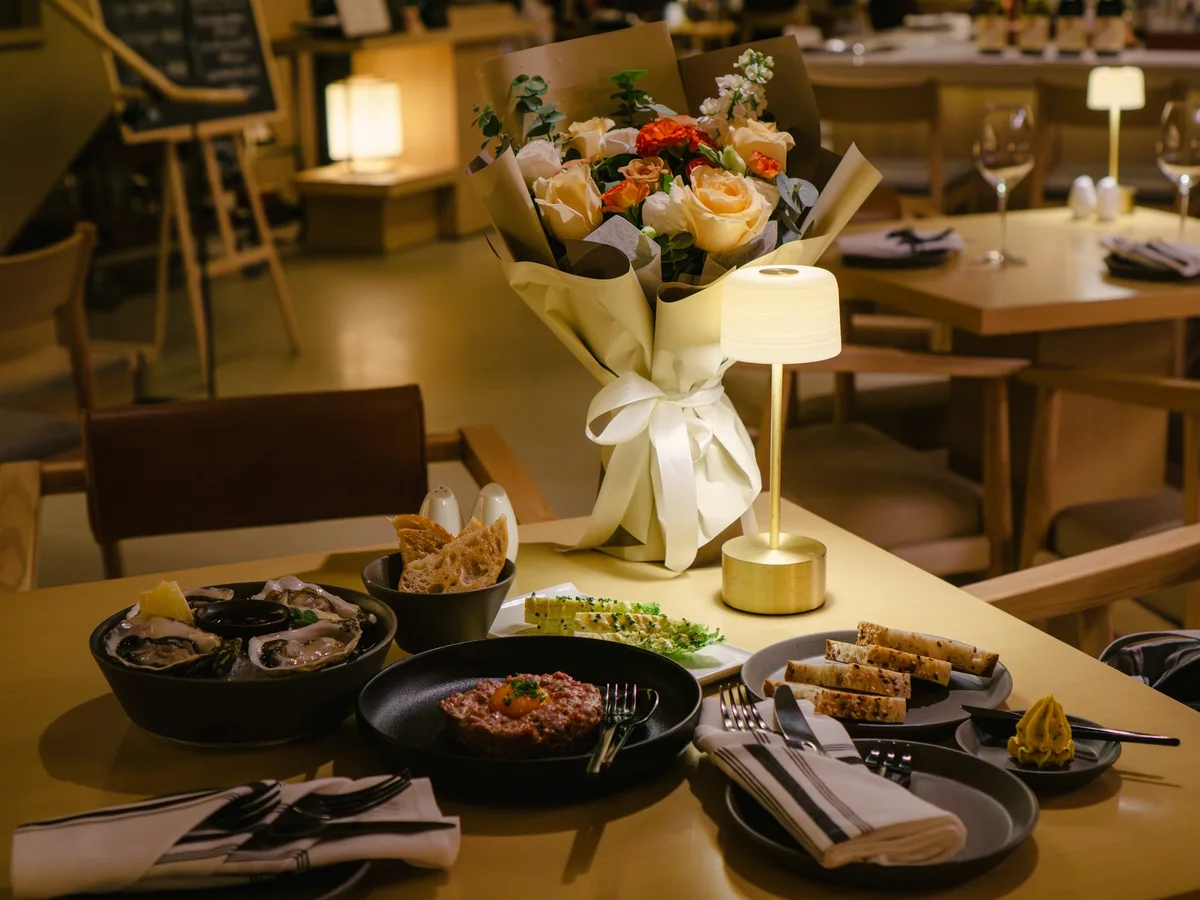
Saturday, 7 pm
Seafood night, 60 seats. The lobster was ordered for the ones who had paid.
- Wednesday
The order to the fishmonger
The list in the till says 58 of 60 sold. You order lobster and langoustine for 58, because the 58 have paid.
- 18.40
The doors open
Guests show the ticket on their phone. The till’s scanner reads the barcode, and the ticket is used.
- 18.55
The last ones arrive
One has forgotten their phone. The code is on the ticket in the email, and you type it into the till.
- 19.00
The bar opens
Wine and beer are sold in the same till as always, so the evening’s sales stand together.
- Tickets sold58 of 60
- Price per ticket440,00
- Redeemed at the door57
Paid in advance
Your setup
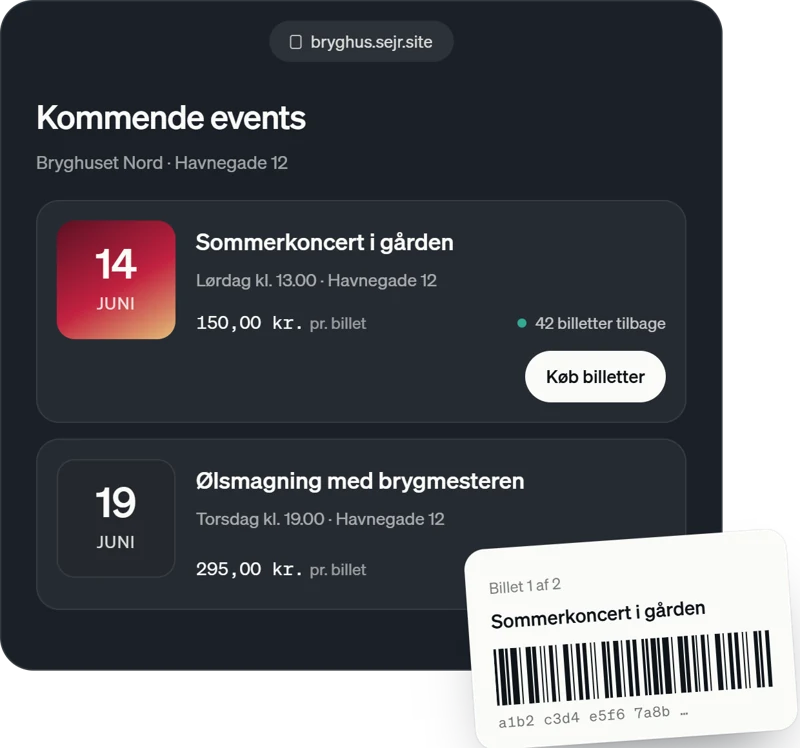 The tickets Tickets in SEJR E-shop Create the event with a time, place, price and number of tickets. It sits at your e-shop’s address, and the guest gets the tickets by email with a barcode. 79 kr. a month on top of the till Read more→
 At the door Till At the door you scan the tickets with the till’s scanner. Each ticket can only be used once, and the list shows how many have arrived. A till from 0 kr. a month Read more→
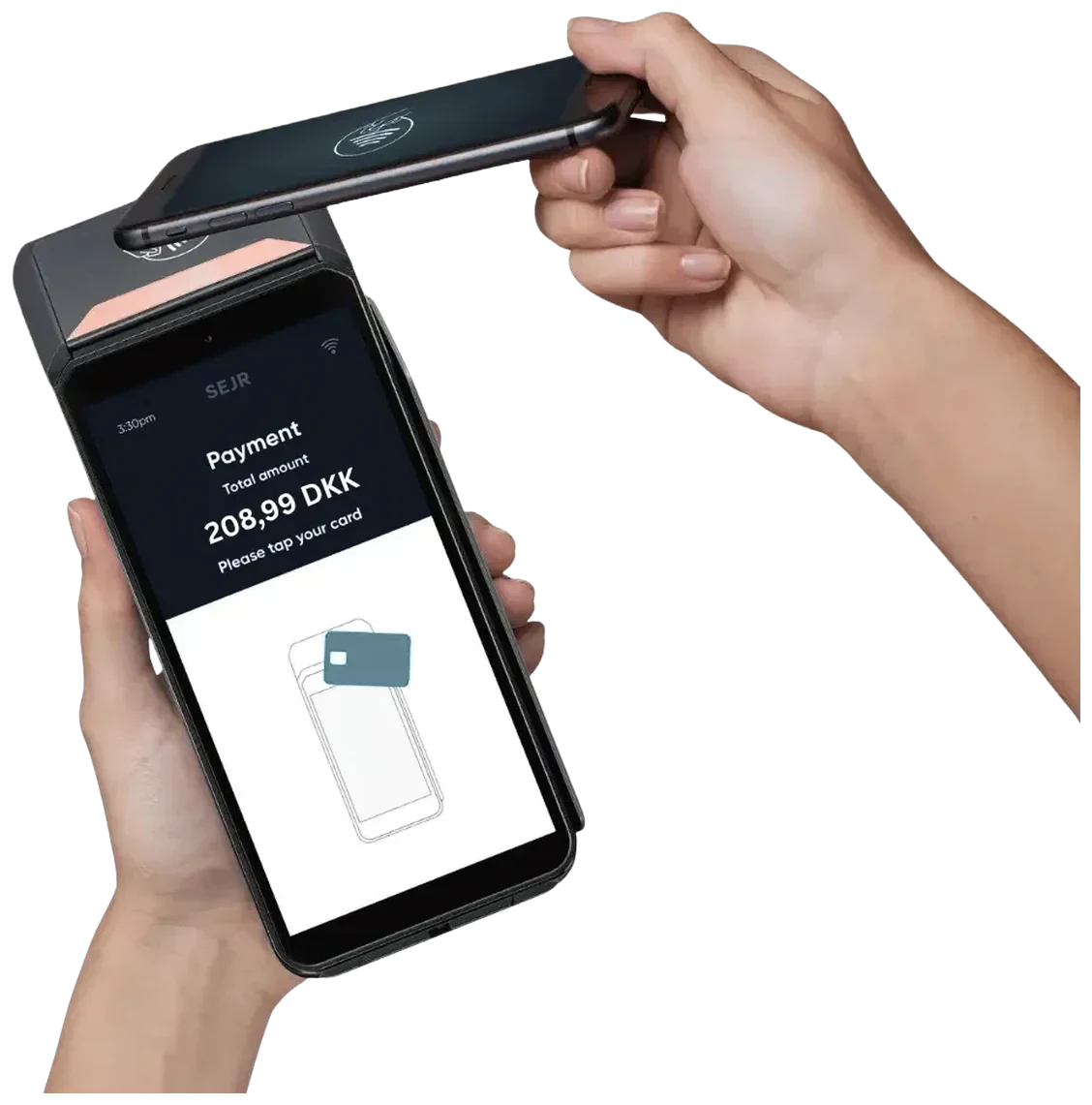 The bar Payment terminal The rest of the evening is sold in the same till as always. The terminal costs 0 kr. a month. Terminal 0 kr. a month Read more→
Why SEJR fits your restaurant with events. An evening with tickets is an evening paid in advance
The expensive part is what gets ordered early
A seafood night or a wine tasting means produce ordered days before. If the guests are on a list, you do not know how many will come. If they have paid for the ticket, you do, and you order accordingly.
Sales open when you say so
You choose when sales open and close. Until they open, the page shows a countdown, and when the tickets are sold, it says sold out. The picture, the place and the time are on the page, and the place opens in Google Maps.
What it costs with tickets
A worked example for a restaurant holding a few events a month: the till at the counter, the terminal and SEJR E-shop for the tickets. The e-shop costs 79 kr. a month on top of the till, and the rate applies only to what guests pay by card.
- Card turnover
- 3 mio. kr. a year
- Rate at that band
- 0,99 %
- SEJR Kasse at the counter
- 399 kr. a month with SEJR Samlet, 649 kr. a month on its own
- SEJR Terminal
- 0 kr.
- SEJR E-shop with tickets
- 79 kr. a month
- Setup and monthly minimum
- 0 kr.
Prices are ex VAT. On top of the rate sit interchange and the scheme fee, which pass through at cost and are not negotiable anywhere. SEJR Samlet means you also have a SEJR Konto, from 249 kr. a month. The rate is 1,19 % at 1–2 mio. kr., 0,89 % at 5–10 mio. kr. and tailored above 10 mio. kr. Below 1 mio. kr. of annual card turnover we quote on your own figures. See the full price list
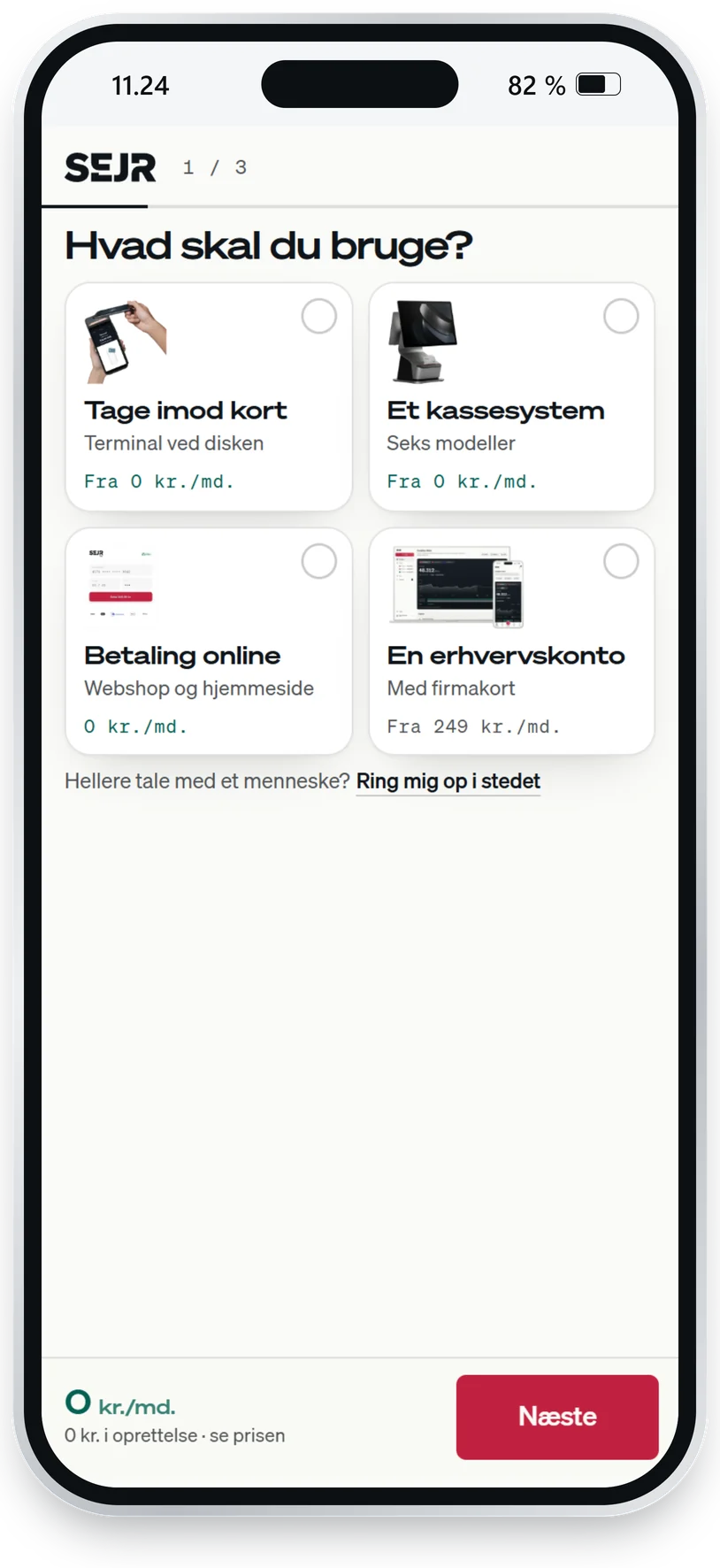
Three minutes for you. We handle the till.
- 1Today, about 3 min.
Tell us what you need
Online or on the phone.
- 2Within one working day
Get the whole price in black and white
You are not bound until you say yes.
SEJRYour quote- SEJR TerminalFree
- SEJR Kasse MiniFree
- Card paymentsfrom 0,89 %
Total a month0 kr.The first SEJR Kasse Mini is free with at least 1 million kr. in annual card turnover. For a new business, your own estimate counts. Prices excl. VAT.
- 3Typically 3–5 weekdays
We set it all up
Nothing to piece together yourself.
- The till with your products
- The terminal connected
- The old agreement cancelled
- 4From day one
Take payments
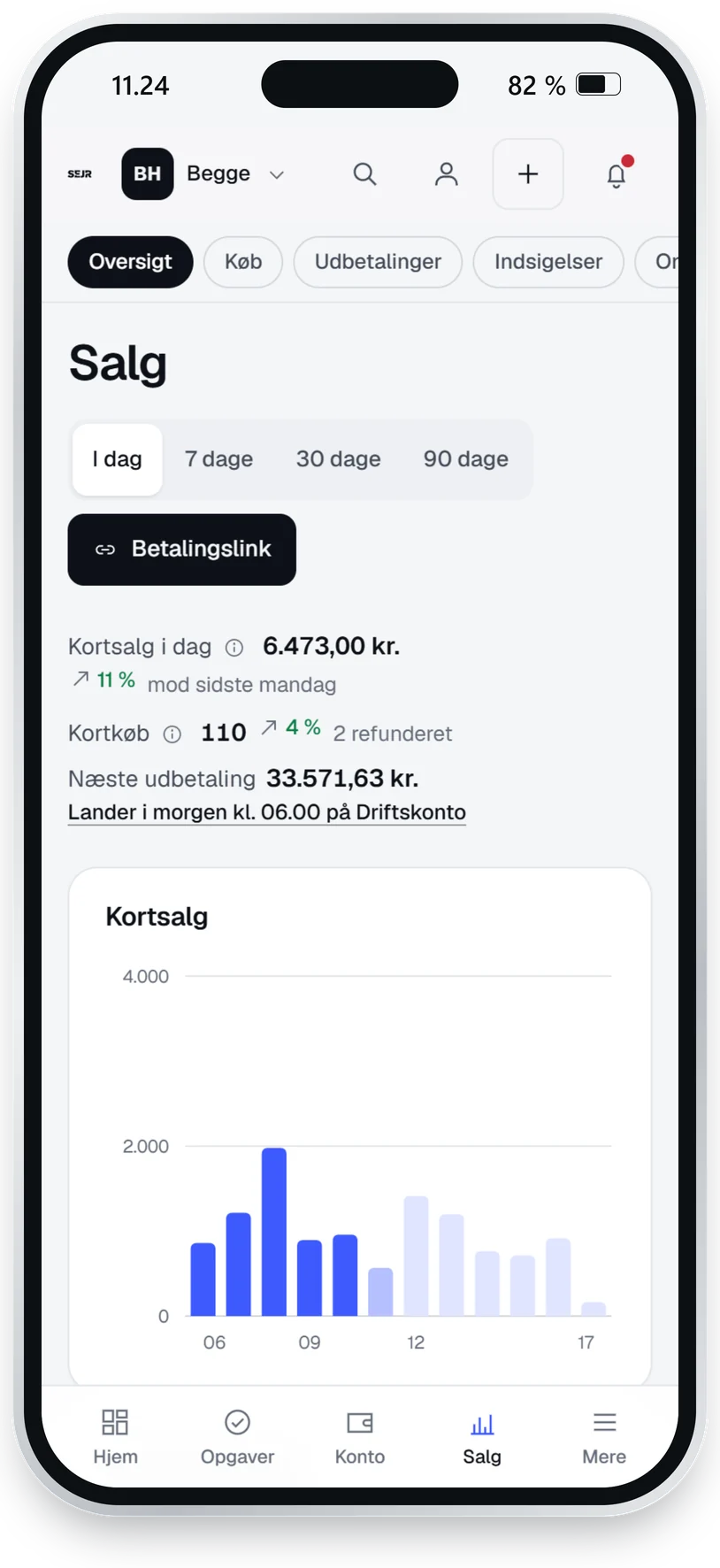
And see the sales in the app as they happen.
Questions from your industry
More answers in all questions and answers, or call 70 60 30 86.
What does it cost to sell tickets?
Tickets come with SEJR E-shop, 79 kr. a month excl. VAT on top of the till, and the rate of 1,19–0,89 % on the card payments by your annual card turnover. All prices are on the price page.
How does the guest get the ticket?
The guest buys at your e-shop’s address and gets the tickets by email with a barcode. They can also be fetched on the page after the purchase.
How do I check tickets at the door?
You scan the barcode with the till’s scanner. If the guest does not have the ticket, you type the code. Each ticket can only be used once.
How can the guest pay?
By card, MobilePay or Google Pay. Apple Pay does not work in the e-shop.
Can I cap the number of tickets?
Yes. You set the number when you create the event. The page shows how many are left, and when they are sold, it says sold out.
Can I have different prices, for example for children?
Not yet. An event has one price per ticket.
Get started
Your restaurant with events. We look after the payments.
Tell us briefly about your business, and a Danish adviser calls you with a quote on your own figures. Free and without obligation.