SEJR POS · Getting started
Get to know SejrPos
Here is a quick tour of SejrPos, both on the till and in Admin.
Watch how it is done2 min. 7 sec.
The video lasts about 2 minutes and shows the most important features, so you know where to find things.
Below the video you can read what you find where, and which guide to use.
What the video shows
Tick a step when it is done
Button names are written as they appear on a till set to Danish. The brackets give the name on a till set to English, the first time a button is mentioned. Change the till's language
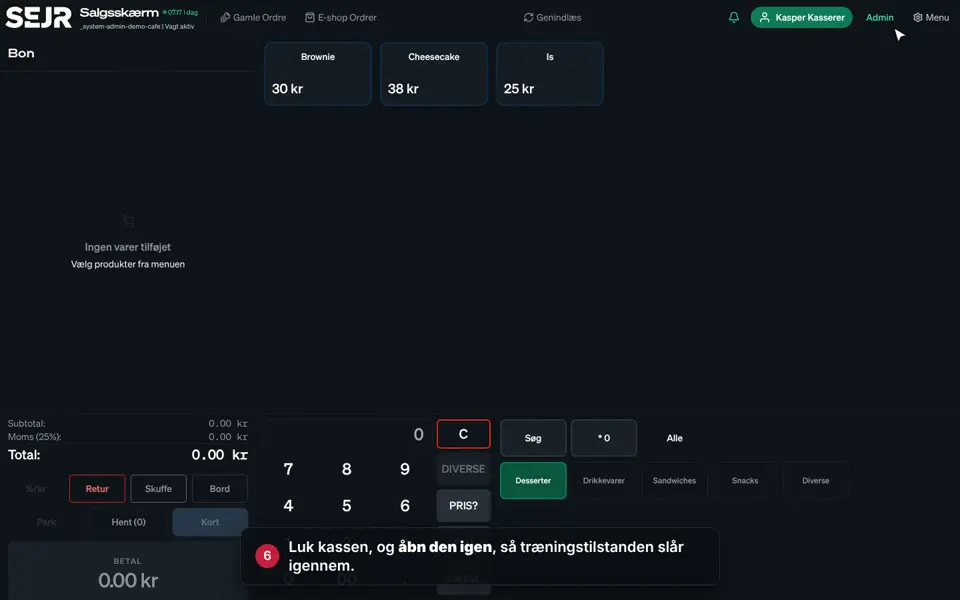
- The till: The order is on the left, the products at the top and the categories at the bottom right.
- Selling: Tap a category and a product. If the product has add-ons, you choose them in the window.
- The buttons below the order: Give a discount, take a return, open the cash drawer, and park an order for later.
- The number pad: Search by item number with PLU, sell an amount with DIVERSE (MISC), and check a price with PRIS? (price?).
- Payment: Tap BETAL (Pay). Choose Kontant (cash), Kort (card), MobilePay or Gavekort (gift card), or split the payment with Split regning (split the bill).
- Receipt: Print the receipt, send it by email, or choose Ingen kvittering (no receipt).
- Gamle Ordre (Old orders): Find earlier sales, print the receipt again, or take items back as a return.
- Menu: Close the shift, end the day, count the till, sell gift cards, and log out.
- Admin: Tap Admin and enter your PIN. You land on the Dashboard with today's figures.
- Produkter (Products): Create categories, products, add-ons, price groups, payment methods and gift cards.
- Restaurant and Online: Manage the table plan, e-shop, events and online booking.
- Personale (Staff) and Økonomi (Finance): See shifts, create employees, connect your bookkeeping, and find returns.
- Rapporter (Reports): See sales reports, X and Z reports and the journal.
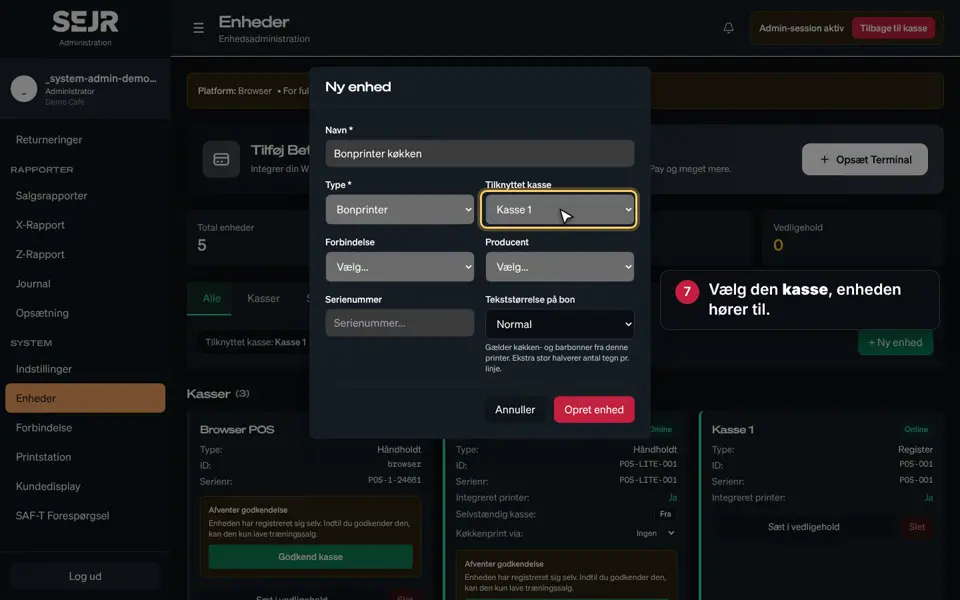
- System: Switch on modules under Indstillinger (Settings), add printers, and set up the customer display.
- Tap Tilbage til kasse (Back to register) when you are done in Admin.
Find the right guide
- First day: Create a product, Create a category, Create a menu and Add a device.
- Every day: Sell on the till, Pay with cash and card, The menu on the till and End the day.
- Reports: Use sales reports, Use the X report, Find your Z report and Use the journal.
- Staff: Create an employee and See your shifts.
- Restaurant: Create a table, Set up online booking and Create a print station.
Finishing up
You have now seen the most important parts of SejrPos.
Every feature has its own short guide with video in the SEJR Help centre.
Still not working? Contact SEJR Support. We are happy to help.
Did the guide help you?