SEJR POS · Getting started
A new employee's first day
Here you learn how to let a new employee practise on the till without affecting the accounts.
Watch how it is done48 sec.
First create the employee under Admin → Medarbejdere (Admin → Employees). See the guide Create an employee.
Step by step
Tick a step when it is done
Button names are written as they appear on a till set to Danish. The brackets give the name on a till set to English, the first time a button is mentioned. Change the till's language
- Tap Admin at the top right of the till.
- Enter your 4-digit admin PIN.
- Choose Indstillinger (Settings) in the menu on the left.
- Switch on Træningstilstand (Training mode).
- Tap Tilbage til kasse (Back to register).
- Close the till and open it again, so that training mode takes effect.
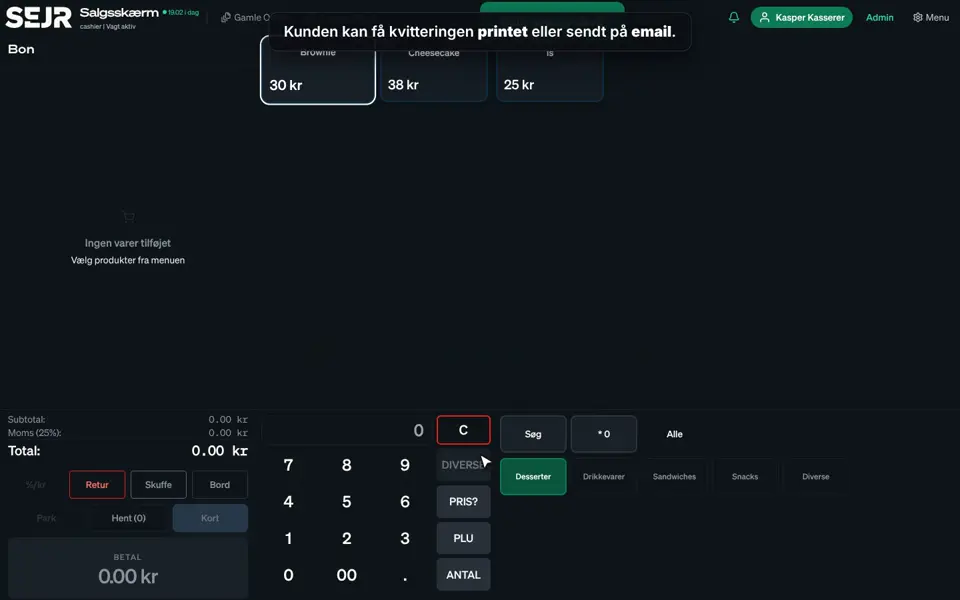
- At the top it now says TRÆNINGSTILSTAND.
- Tap the name at the top and choose the new employee.
- The employee can now practise. The sales do not count in the accounts.
Good to know
- Remember to switch it off: Switch Træningstilstand off again under Indstillinger, then close and open the till. Otherwise real sales do not count.
- This till only: Training mode applies only to the till where you switch it on.
- Receipts: Receipts in training are clearly marked TRÆNINGSKVITTERING – IKKE GYLDIG (Training receipt, not valid).
- Tour: Show the new employee the video Get to know SejrPos.
Finishing up
The new employee can now practise safely.
Still not working? Contact SEJR Support. We are happy to help.
Did the guide help you?