SEJR POS · Troubleshooting
The till does not balance
Here you learn how to find out why there is a difference in the till.
Watch how it is done43 sec.
Most differences are caused by money that was taken out or put in without being recorded.
Step by step
Tick a step when it is done
Button names are written as they appear on a till set to Danish. The brackets give the name on a till set to English, the first time a button is mentioned. Change the till's language
- Tap Menu at the top right.
- Tap Kassebeholdning (Cash balance).
- At the top is the amount that should be in the cash drawer.
- Check the breakdown of the amount: cash in and out, cash sales and returns.
- Count the cash drawer, and compare. Then tap Luk (Close).
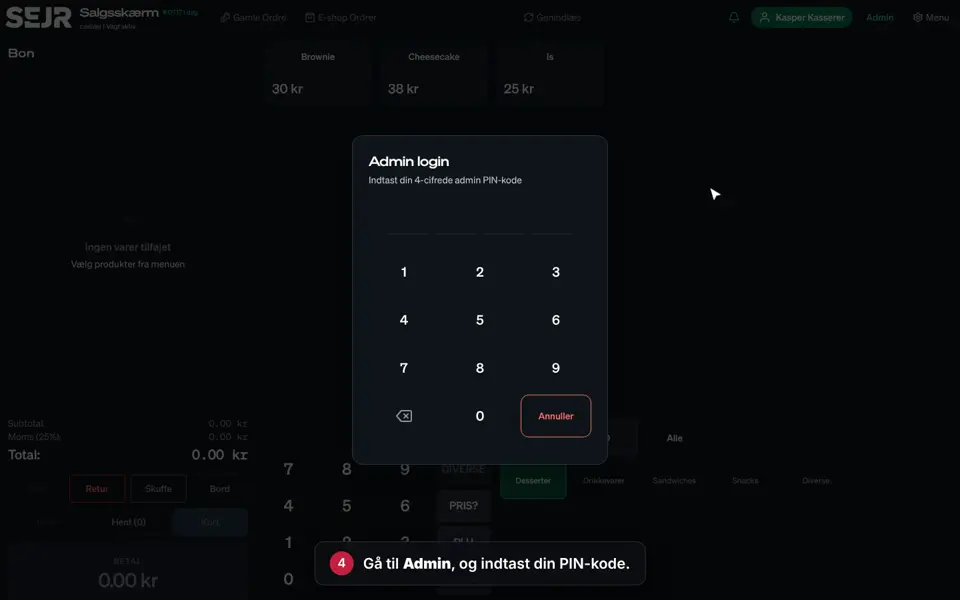
- Go to Admin, and enter your PIN.
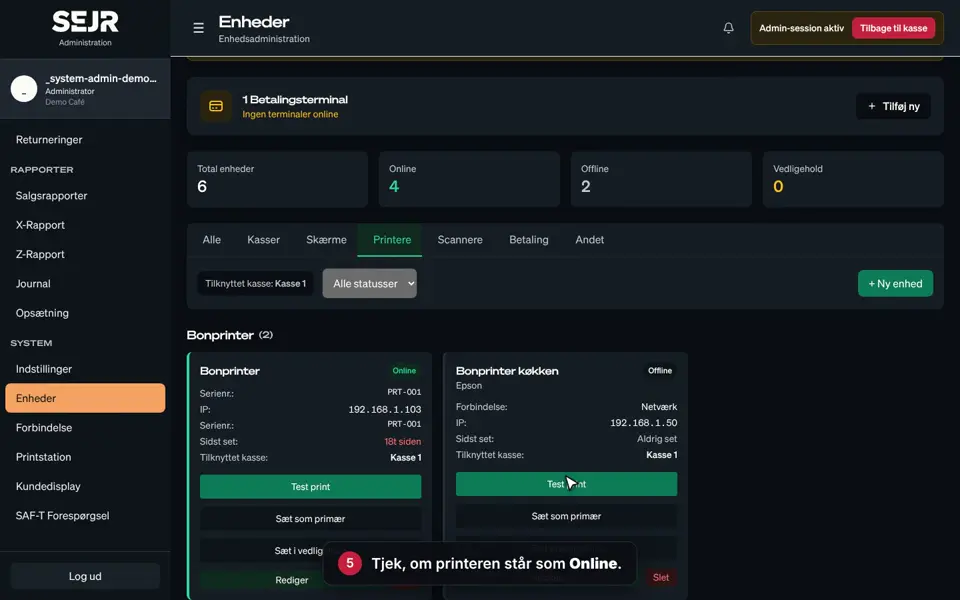
- Choose Journal in the menu on the left.
- Choose Kontant ud (Cash out) under Type to see all withdrawals.
- Tap Detaljer (Details) to see the amount, the time and who did it.
Typical causes
- Float not recorded: Money put in or taken out without Kontant ind (Cash in) or Kontant ud.
- Wrong payment method: A card sale was entered as cash, or the other way round. Check the sale under Gamle Ordre (Old orders).
- Return: A cash return where the money was not given to the customer.
- Wrong cash count: Count the cash drawer again, and check the starting amount under Admin → Vagter (Admin → Shifts).
Finishing up
Now you know where to look for the difference.
If you find the error, record it with Kontant ind or Kontant ud and the reason Korrektion (Correction).
Still not working? Contact SEJR Support. We are happy to help.
Did the guide help you?