SEJR POS · Reports and accounts
Use the X report
Here you learn how to use the X report in SEJR POS.
Watch how it is done43 sec.
The X report is an interim summary that shows sales since the last Z report. It does not reset anything, and you can make it as many times as you like during the day.
Step by step
Tick a step when it is done
Button names are written as they appear on a till set to Danish. The brackets give the name on a till set to English, the first time a button is mentioned. Change the till's language
- Tap Admin at the top right of the till.
- Enter your 4-digit admin PIN.
- Choose X-Rapport (X-Report) in the menu on the left.
- Tap Generer X-rapport (Generate X-report). It shows sales since the last Z report.
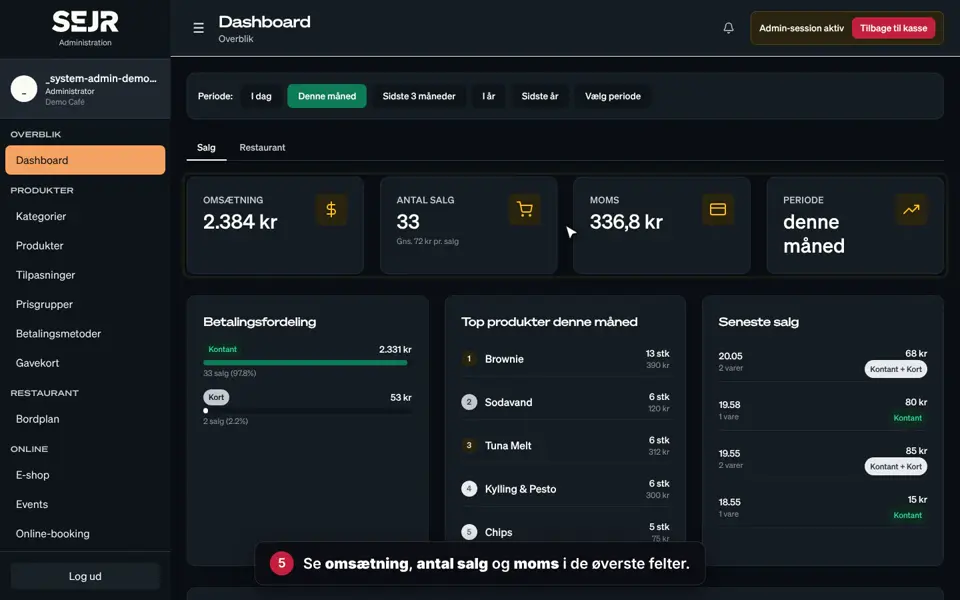
- See the number of sales, revenue and VAT under Salgsopsummering (Sales summary).
- See how the sales are split across payments under Betalingsfordeling (Payment breakdown).
- Tap Print if you want the report on paper.
- Tap Luk (Close).
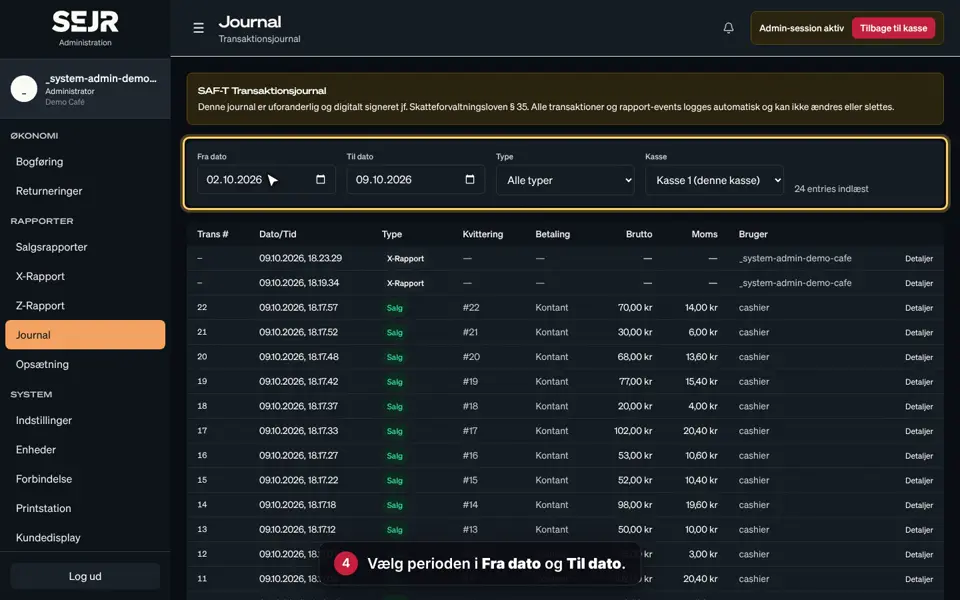
- Find earlier X reports: choose dates in Fra (From) and Til (To), and tap Søg (Search).
- Tap Detaljer (Details) to open a report again.
Good to know
- Open shift: You can only make an X report when there is an open shift on the till.
- Till reconciliation: At the bottom of the report you can see how much cash there should be in the till.
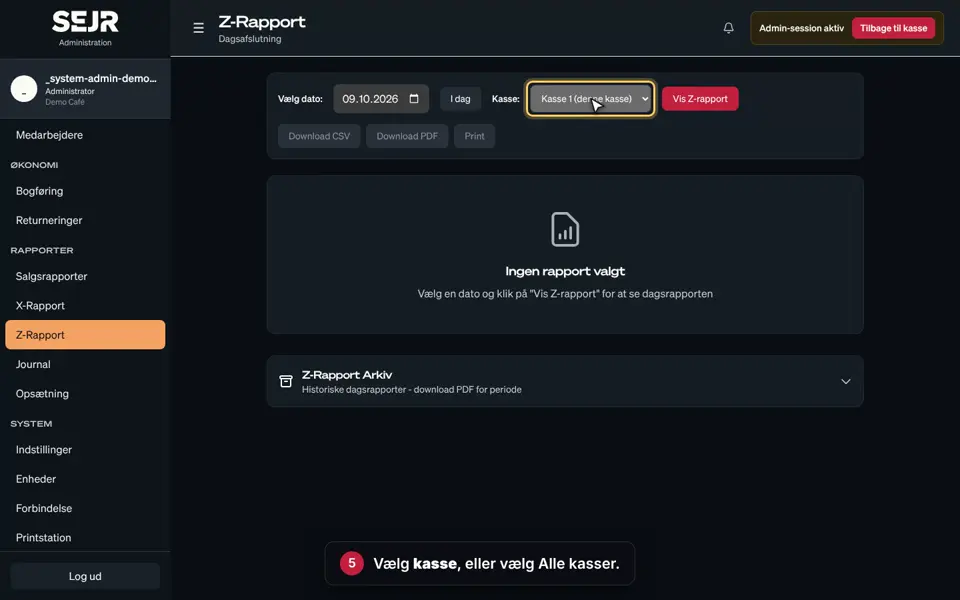
- Several tills: Choose the till in the Kasse (Register) field when you search for earlier X reports.
Finishing up
Use the X report when you want to check the till during the day, e.g. at a shift change.
When the day is over, you make a Z report. See the guide Find your Z report.
Still not working? Contact SEJR Support. We are happy to help.
Did the guide help you?