Help centre · SEJR POS
How can we help you?
Type what you need help with. You get a short video that shows you how to do it.
Something not working right now?
Call 52 51 69 52 Weekdays 9–17, Danish time
 Get to know SejrPos A tour in 2 min. 07 sec. Watch the tour
 What most people ask about
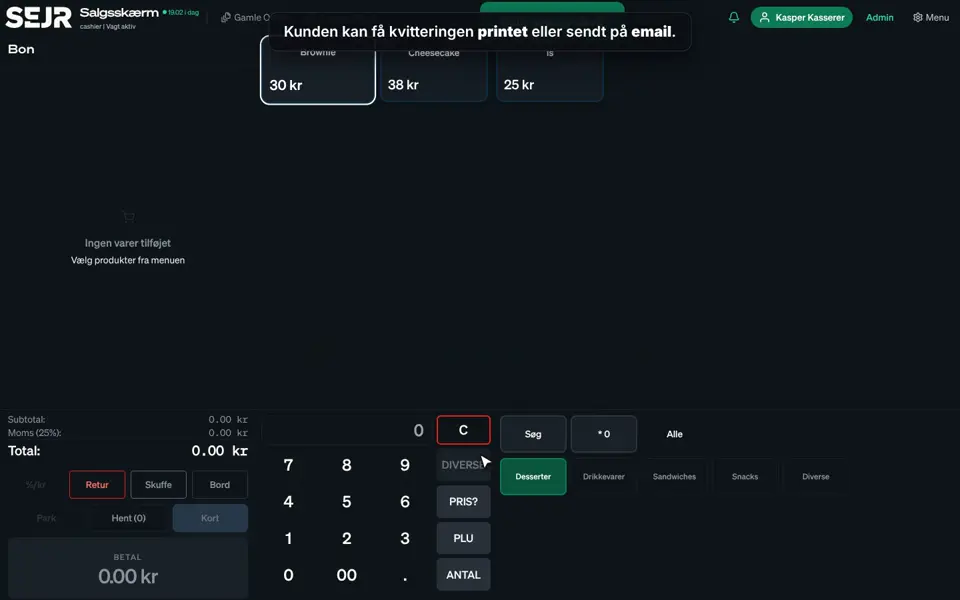
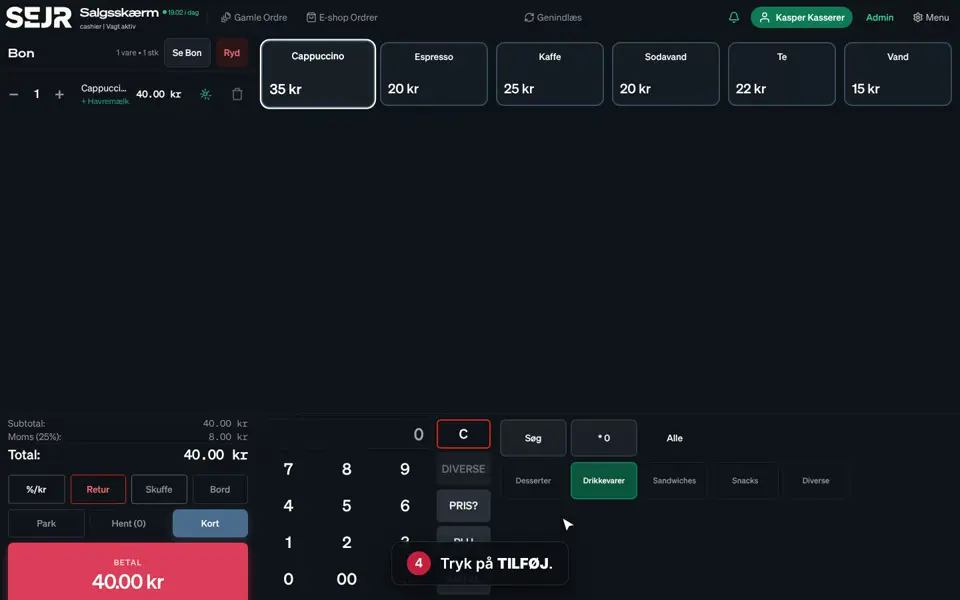 0:43 Sell on the till Learn how to make a sale on the till in SEJR POS. Video 0:43 · 9 steps→
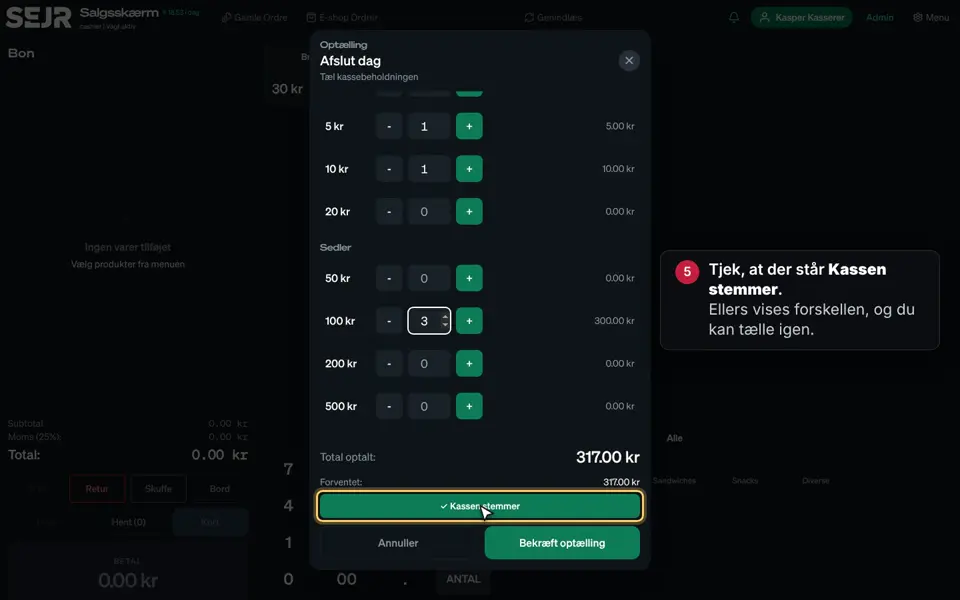 0:52 End the day Learn how to end the day on the till in SEJR POS. Video 0:52 · 11 steps→
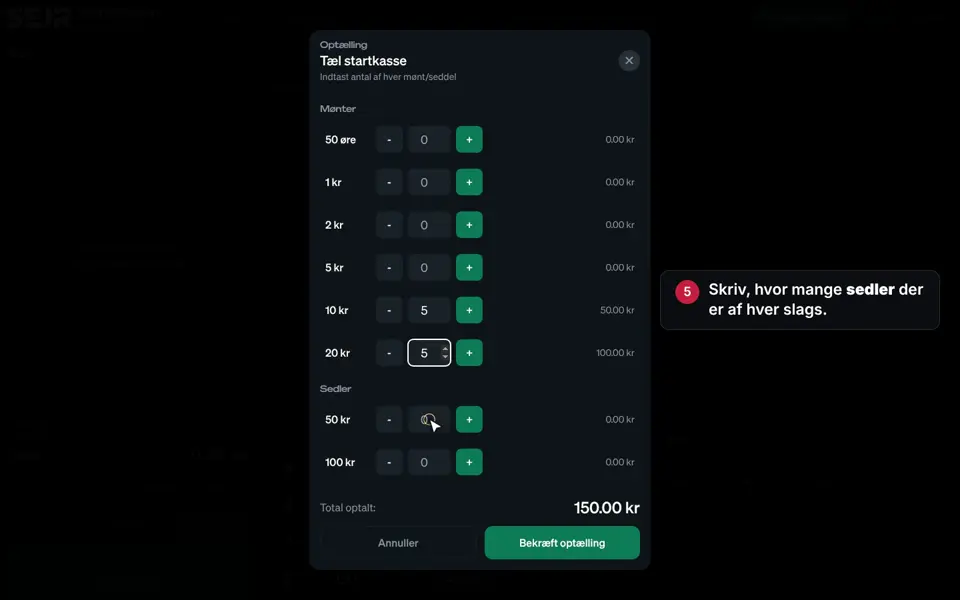 0:31 Start the day Learn how to open the till in the morning. Video 0:31 · 8 steps→
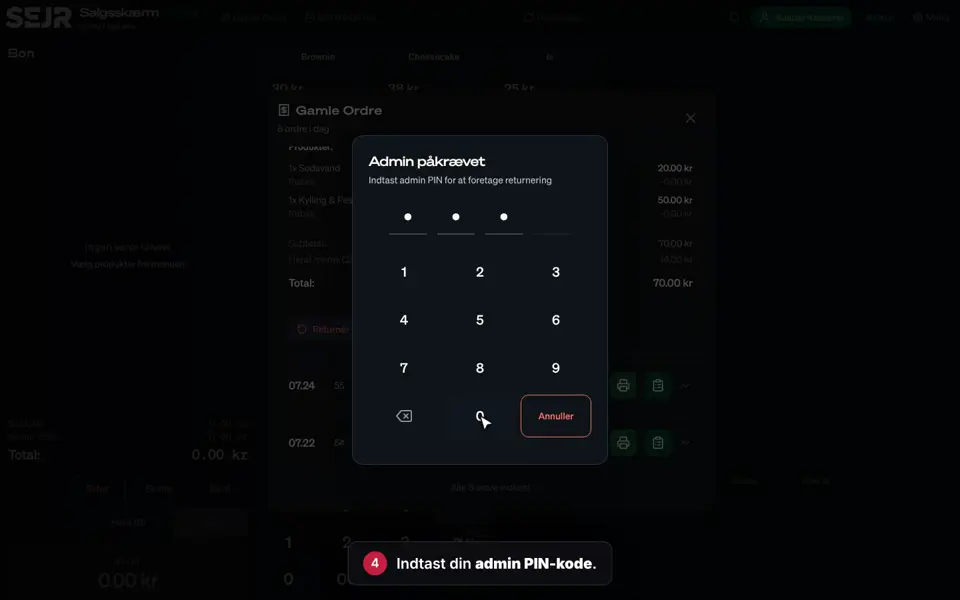 0:35 Return with a receipt Learn how to take an item back when the customer has the receipt. Video 0:35 · 8 steps→
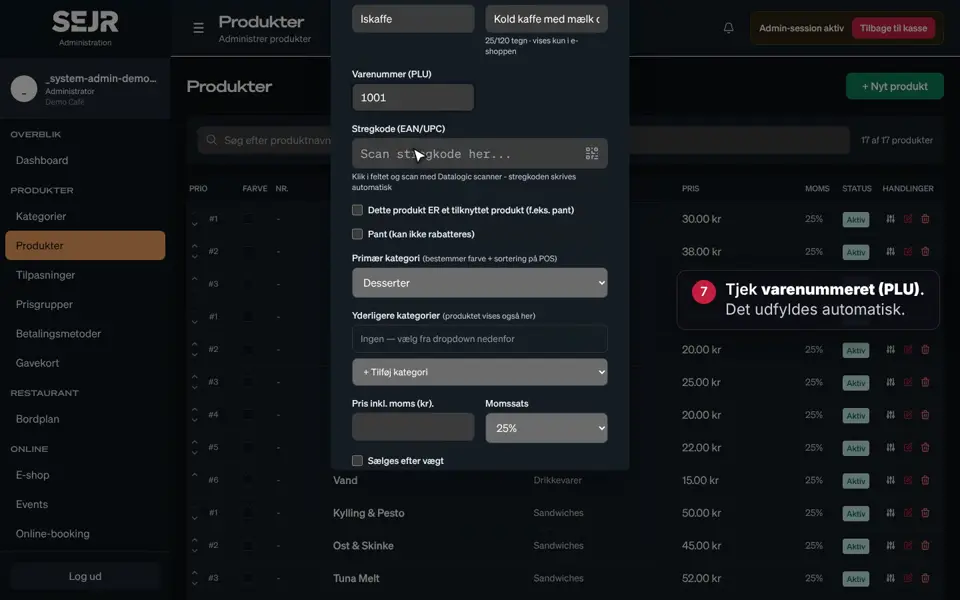 1:00 Create a product Learn how to create a new product in SEJR POS, so it can be sold on the till. Video 1:00 · 14 steps→
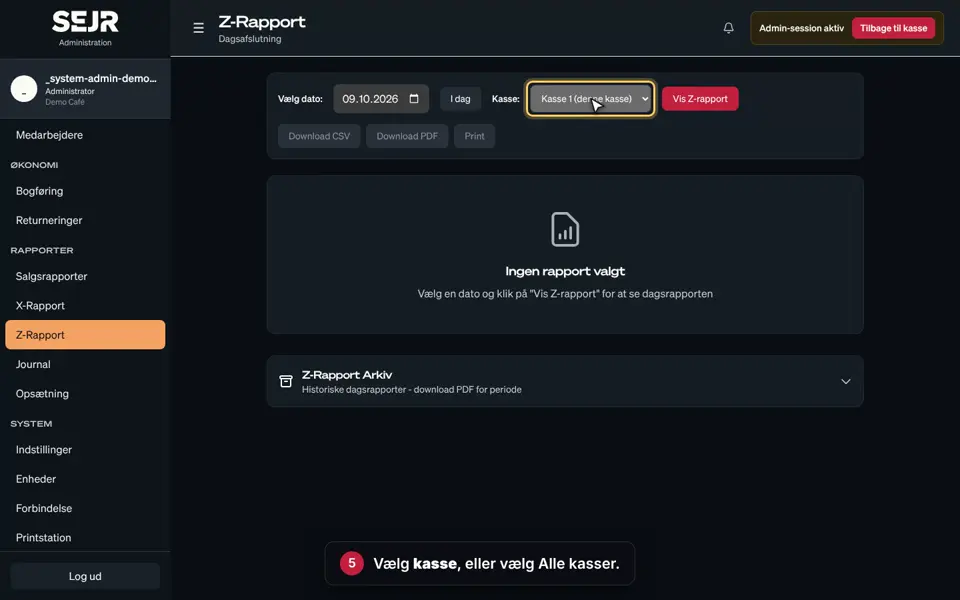 0:39 Find your Z report Learn how to find, save and print your Z report in SEJR POS. Video 0:39 · 9 steps→
All guides
53 guides, by topic- Start the day 0:31
- Sell on the till 0:43
- Pay with cash and card 0:51
- Give a discount 0:32
- Cash in and out 0:49
- The menu on the till 0:54
- Park an order and pick it up again 0:32
- Print a receipt again 0:25
- Return with a receipt 0:35
- Return without a receipt 0:28
- Switch cashier 0:14
- Sell and redeem gift cards 0:52
- End the day 0:52
- See your shifts 0:41
- Create a product 1:00
- Create a category 0:36
- Create modifiers 0:59
- Create price groups 0:59
- Create payment methods 0:57
- Create a gift card 0:32
- Sold-out or seasonal items 0:39
- Items with a deposit and an age limit 0:49
- Create an employee 0:45
- Use Settings 0:47
- Create a print station 0:40
- Set up the customer display 0:38
- Change language 0:45
Missing a guide? Tell us what you need, and we will make it.
Ask for a guideWeekdays 9–17, Danish time
Did not find the answer? We will take it from here.
You talk to an adviser in Denmark who knows SEJR POS.