SEJR POS · Admin
Sold-out or seasonal items
Here you learn how to hide an item on the till when it is sold out or out of season.
Watch how it is done39 sec.
The item is not deleted, so you can easily show it again.
Step by step
Tick a step when it is done
Button names are written as they appear on a till set to Danish. The brackets give the name on a till set to English, the first time a button is mentioned. Change the till's language
- Tap Admin at the top right of the till.
- Enter your 4-digit admin PIN.
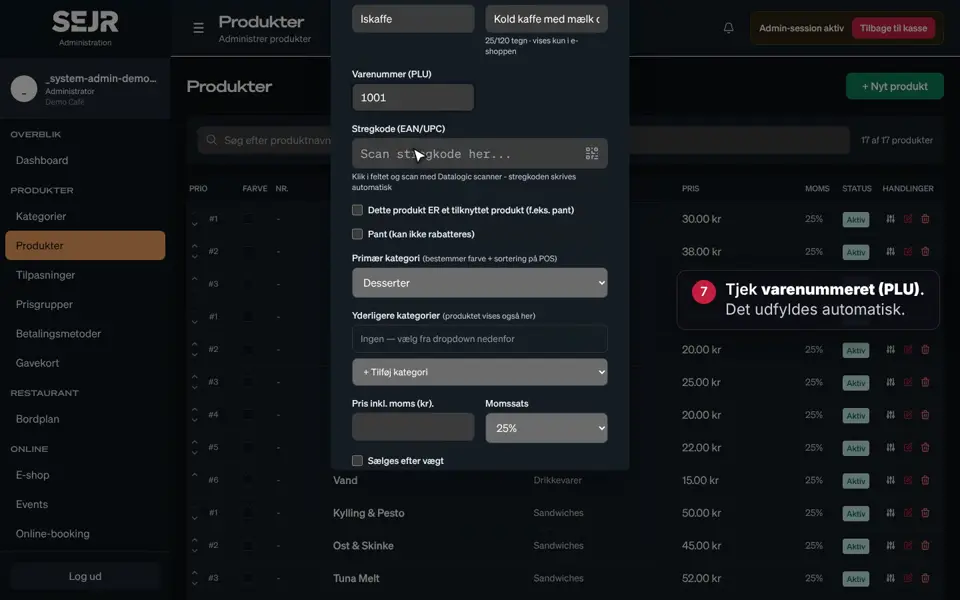
- Choose Produkter (Products) in the menu on the left.
- Search for the item in the search field.
- Tap the pencil to edit the item.
- Remove the tick in Aktiv (Active).
- Tap Gem (Save).
- The item now shows as Inaktiv (Inactive) and does not appear on the till.
- Is the item back? Edit it again and tick Aktiv.
Good to know
- Hide instead of deleting: If you delete an item, it is gone. An inactive item keeps its price, category and history.
- Can you still see the item on the till? Tap Genindlæs (Reload) at the top of the till.
Finishing up
The item is now hidden on the till.
Still not working? Contact SEJR Support. We are happy to help.
Did the guide help you?