SEJR POS · Daily use
Give a discount
Here you learn how to give a discount on the whole order.
Watch how it is done32 sec.
You can give a discount as a percentage or in kroner.
Step by step
Tick a step when it is done
Button names are written as they appear on a till set to Danish. The brackets give the name on a till set to English, the first time a button is mentioned. Change the till's language
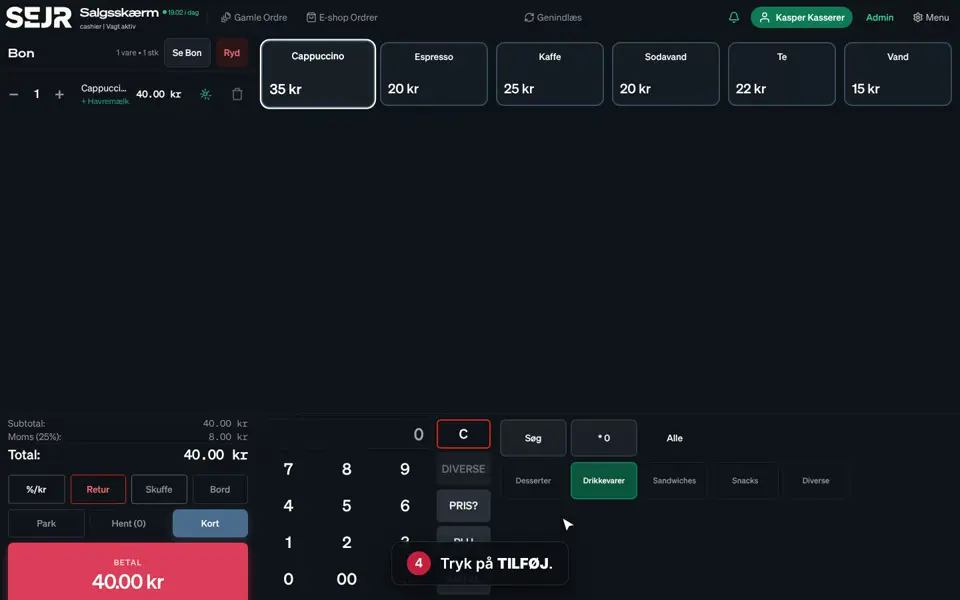
- Add the items to the order.
- Tap %/kr below the order.
- Choose Procent (%) (Percent (%)) or Beløb (kr) (Amount (kr)).
- Enter the discount, e.g. 10.
- Tap Anvend rabat (Apply discount).
- The discount is now on the order, and the total has been reduced.
Good to know
- Remove the discount: Tap ✕ next to the discount on the order.
- Deposit: A deposit is never discounted, even when you give a discount on the whole order.
- The receipt: The discount is shown on the customer's receipt.
Finishing up
The discount has now been given, and you can take payment.
Still not working? Contact SEJR Support. We are happy to help.
Did the guide help you?