Help centre · SEJR POS
Restaurant and online
Tables, booking, events and e-shop. Choose what you need help with. Each guide is a short video with the steps written out.
7 video guides
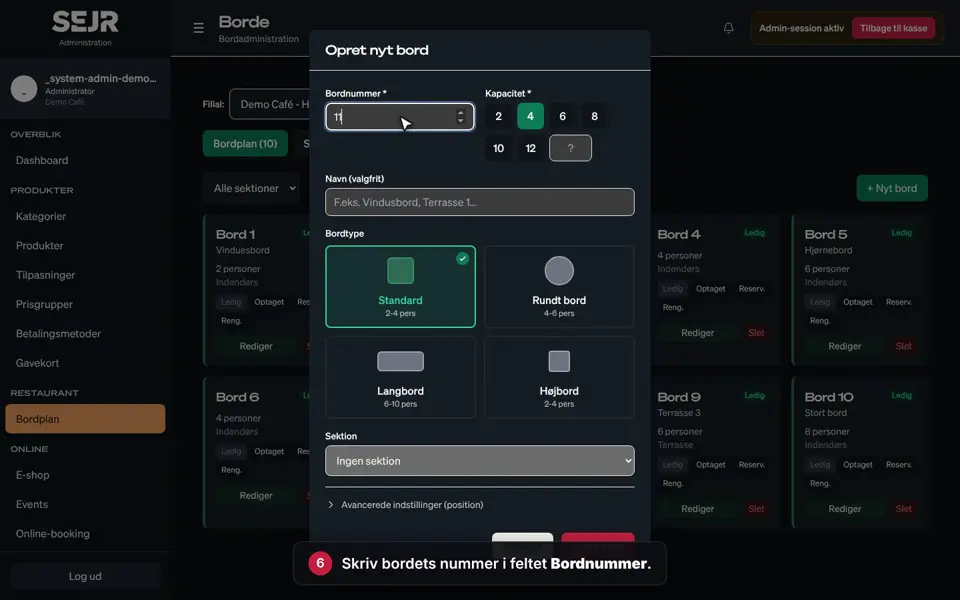 0:46 Create a table Learn how to create a new table in the table plan in SEJR POS. Video 0:46 · 12 steps→
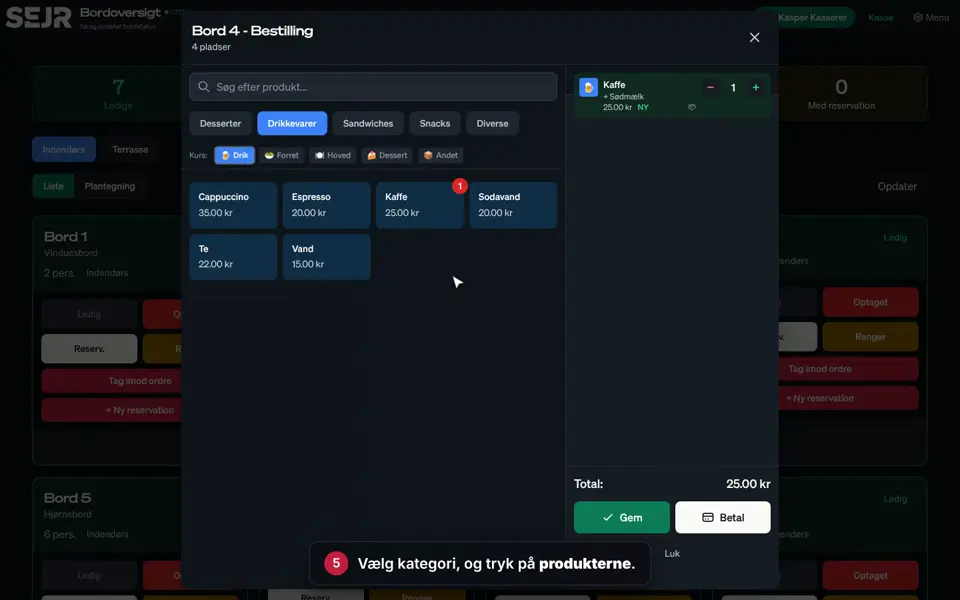 0:51 Take an order at the table Learn how to take an order at the table and send it to the kitchen. Video 0:51 · 9 steps→
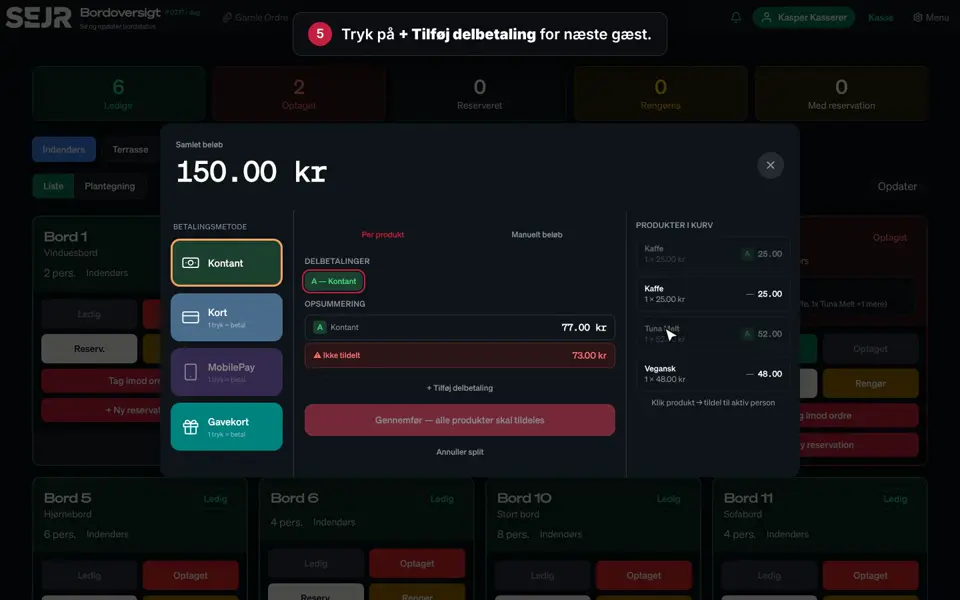 0:53 Split the bill at the table Learn how to let the guests at a table pay separately. Video 0:53 · 11 steps→
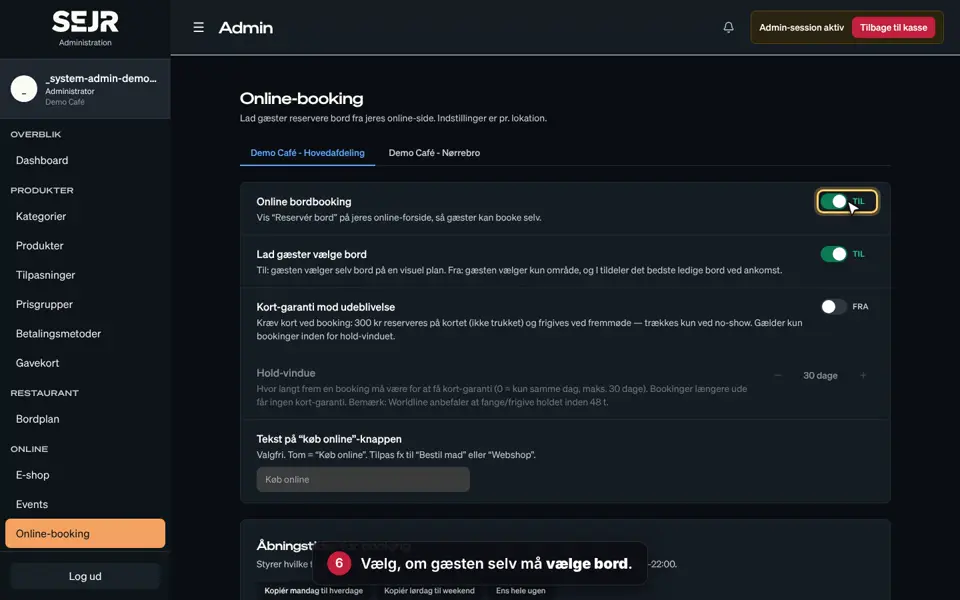 0:44 Set up online booking Learn how to set up online booking, so guests can book a table on your online page. Video 0:44 · 10 steps→
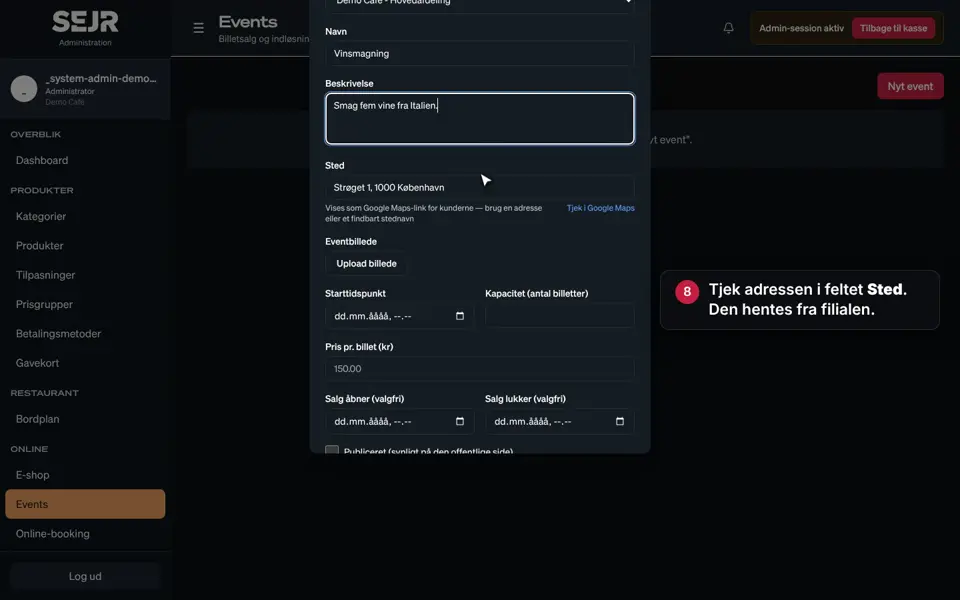 0:56 Create an event Learn how to create an event with ticket sales in SEJR POS. Video 0:56 · 14 steps→
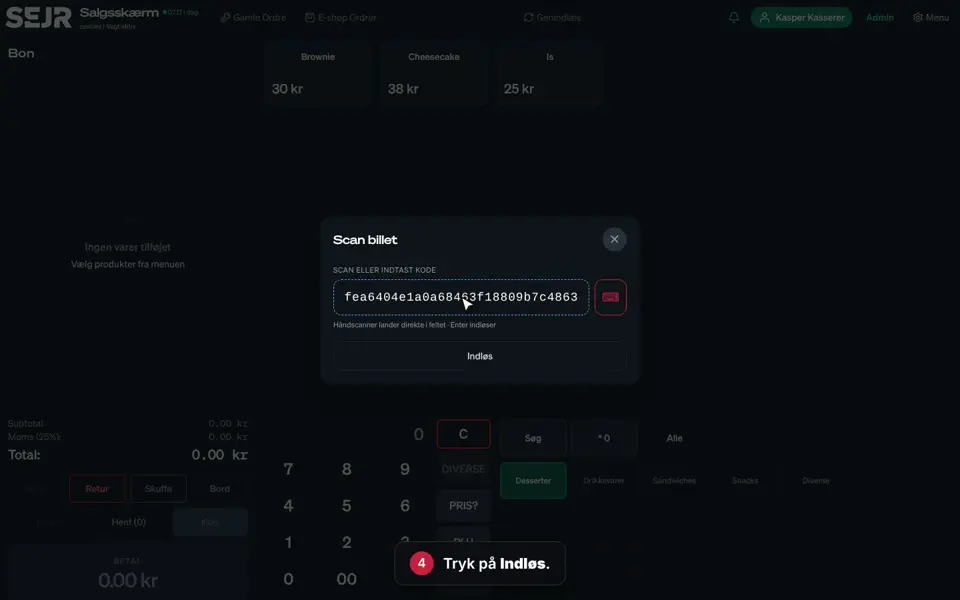 0:45 The day of the event Learn how to check the guests' tickets at the door. Video 0:45 · 7 steps→
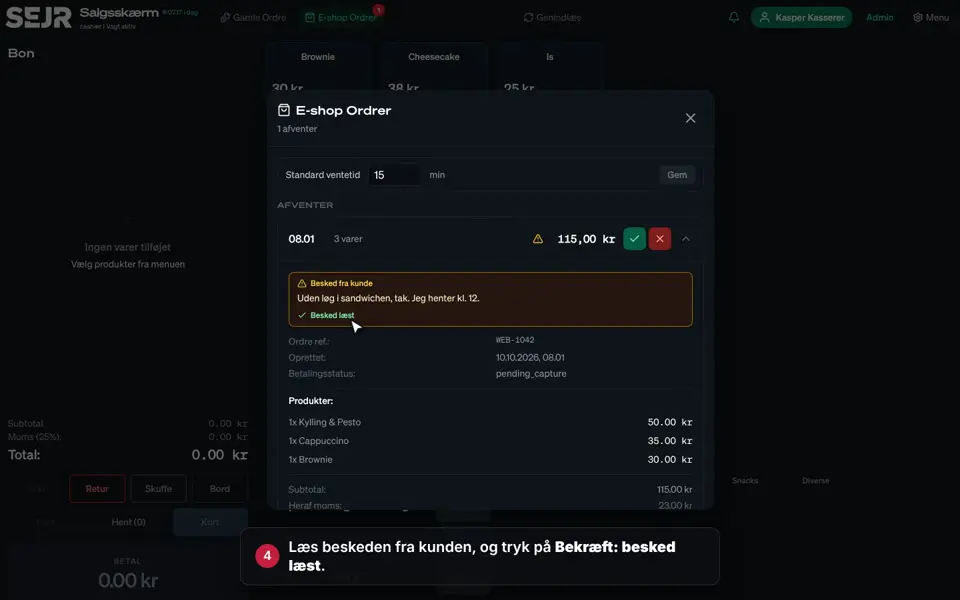 0:34 Handle e-shop orders Learn how to receive the orders that customers place in your e-shop. Video 0:34 · 6 steps→
Did not find the answer?
Call or write, and we will take it from here.
Weekdays 9–17, Danish time