Help centre · SEJR POS
Admin
Products, staff and settings. Choose what you need help with. Each guide is a short video with the steps written out.
13 video guides
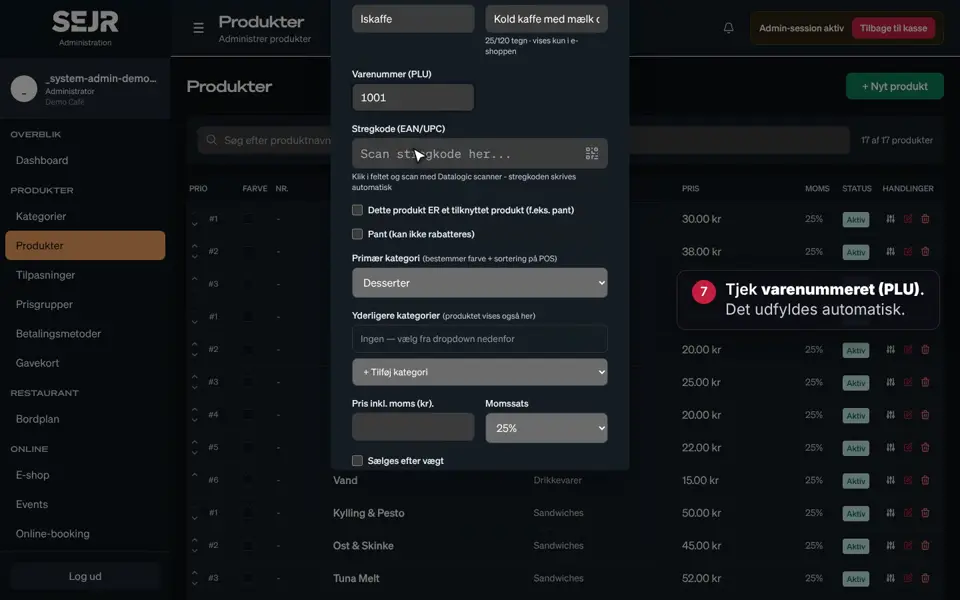 1:00 Create a product Learn how to create a new product in SEJR POS, so it can be sold on the till. Video 1:00 · 14 steps→
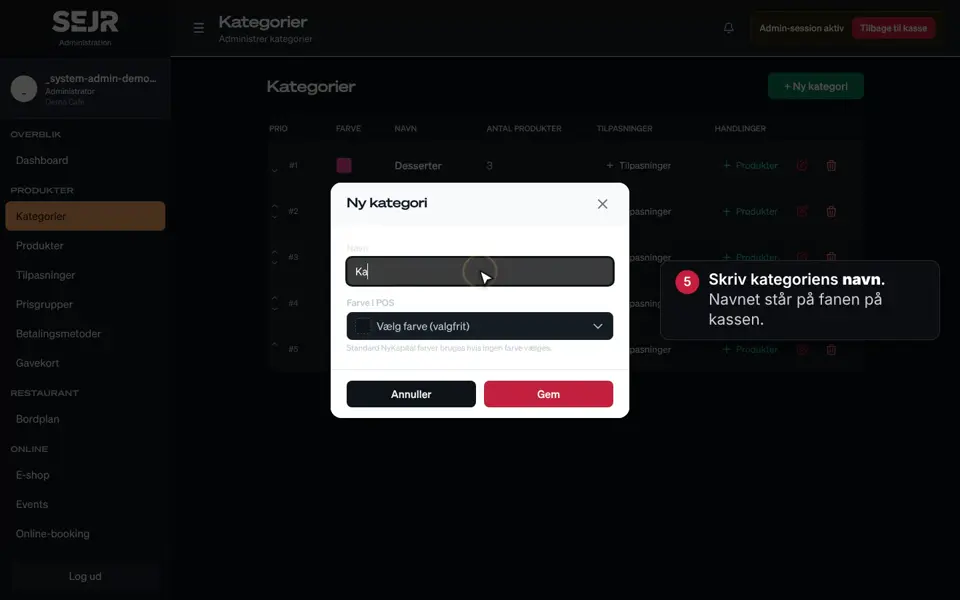 0:36 Create a category Learn how to create a new category in SEJR POS. Video 0:36 · 7 steps→
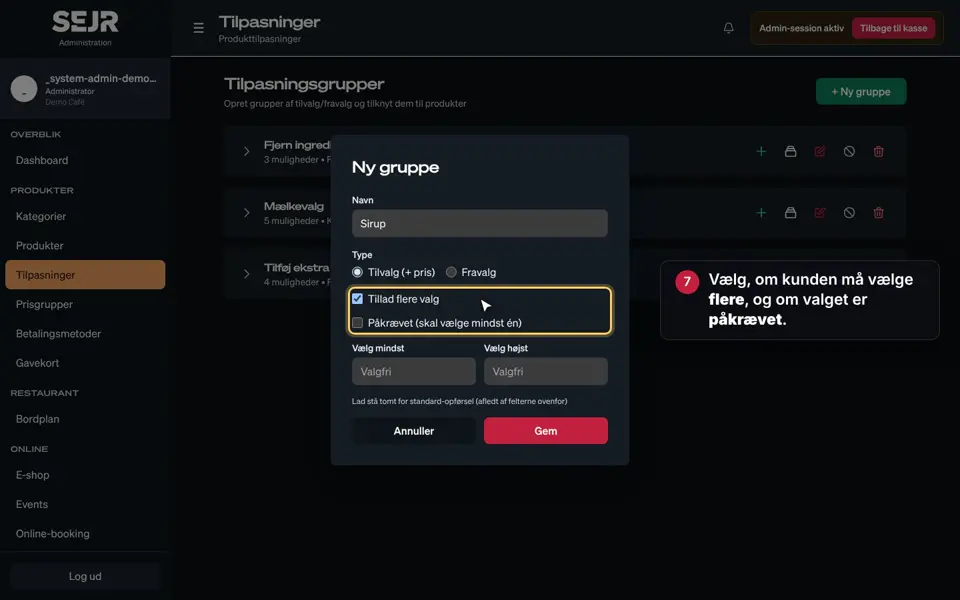 0:59 Create modifiers Learn how to create modifiers in SEJR POS. Video 0:59 · 15 steps→
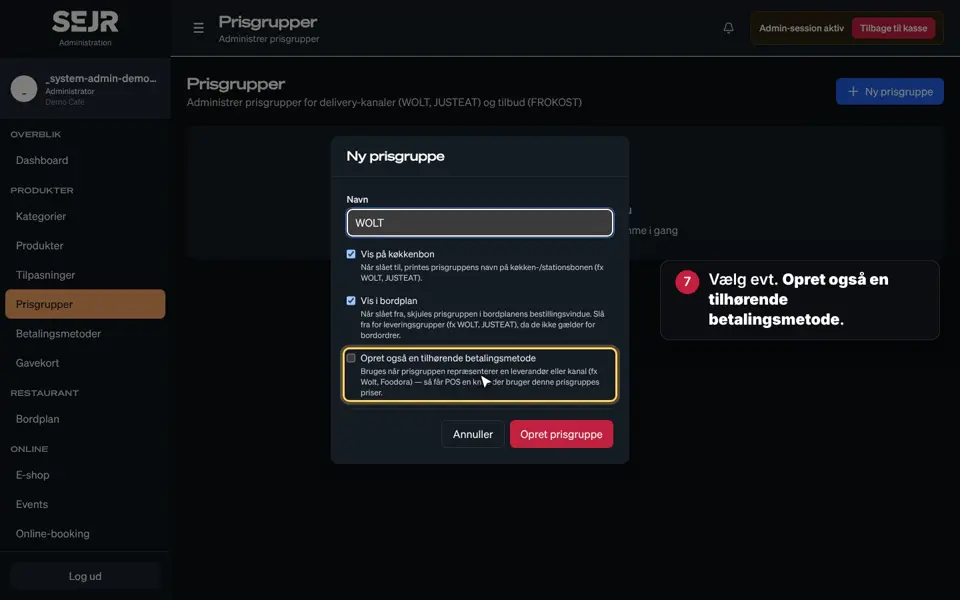 0:59 Create price groups Learn how to create a price group in SEJR POS. Video 0:59 · 14 steps→
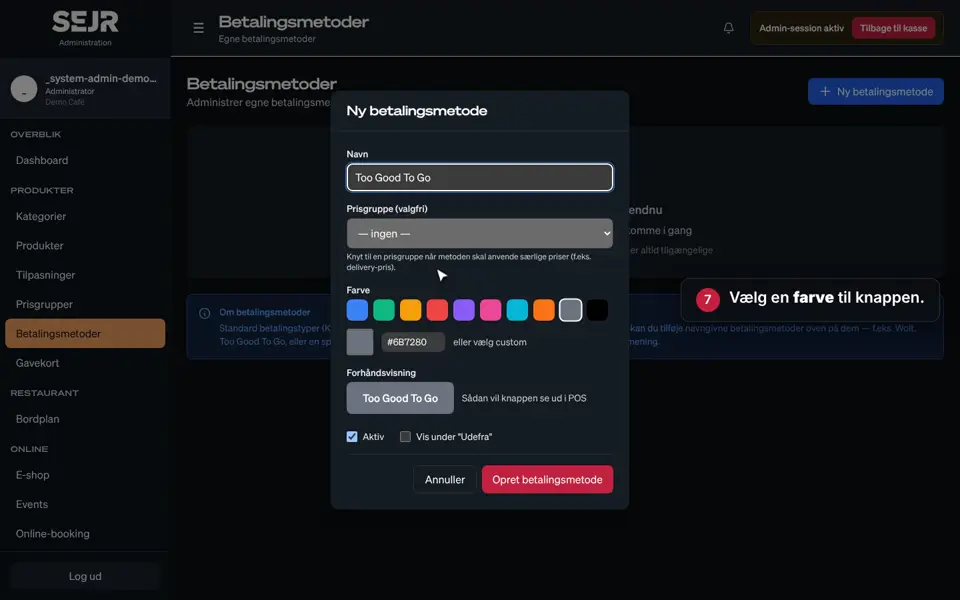 0:57 Create payment methods Learn how to create an extra payment method in SEJR POS. Video 0:57 · 14 steps→
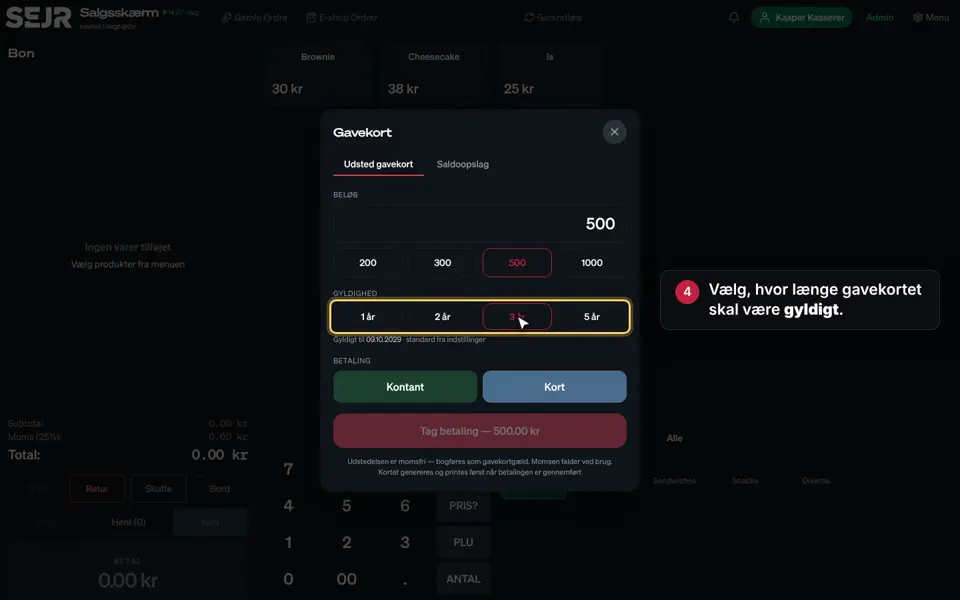 0:32 Create a gift card Learn how to issue and sell a gift card from the till in SEJR POS. Video 0:32 · 7 steps→
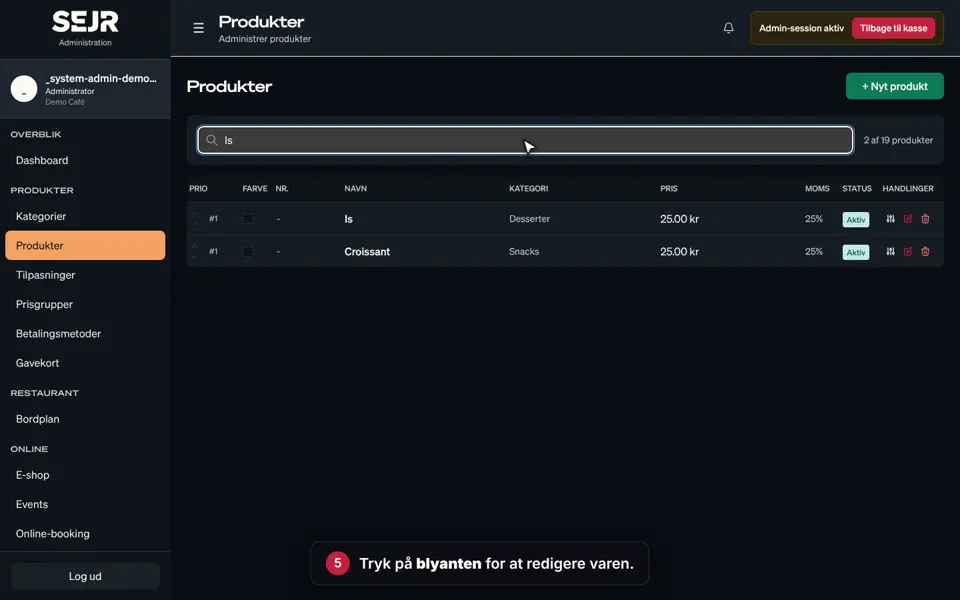 0:39 Sold-out or seasonal items Learn how to hide an item on the till when it is sold out or out of season. Video 0:39 · 9 steps→
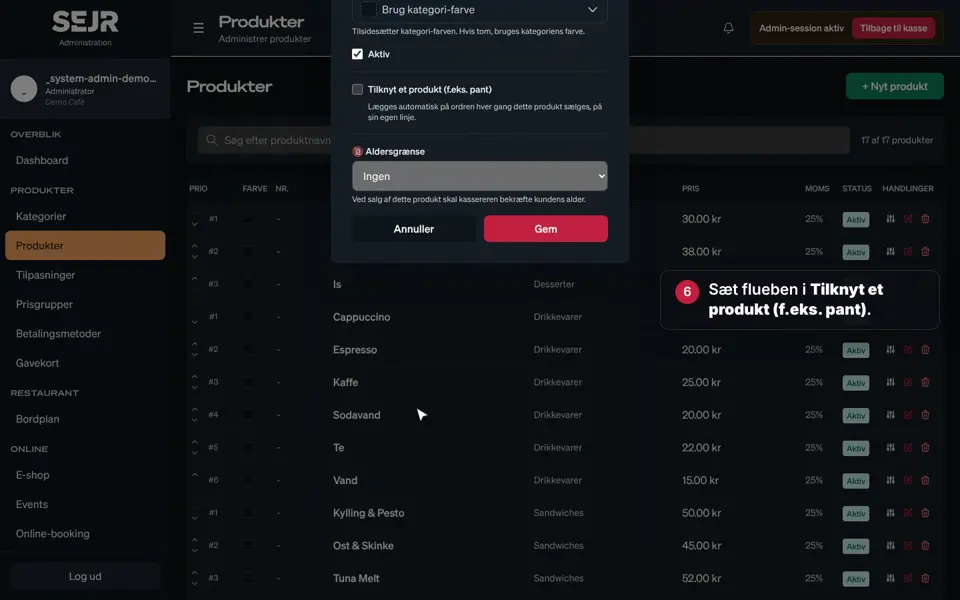 0:49 Items with a deposit and an age limit Learn how to create an item with a deposit and an age limit, e.g. a beer. Video 0:49 · 11 steps→
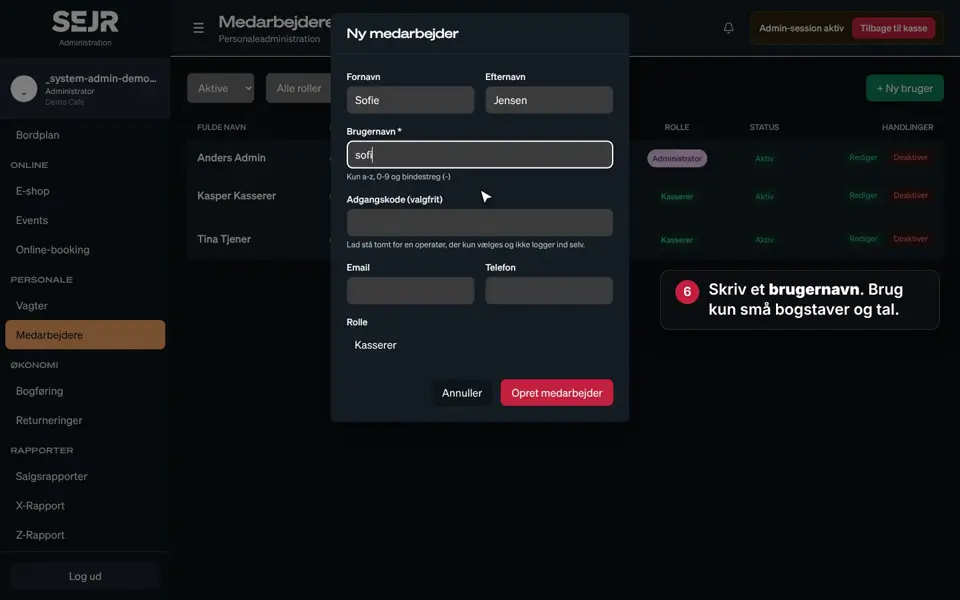 0:45 Create an employee Learn how to create a new employee in SEJR POS. Video 0:45 · 11 steps→
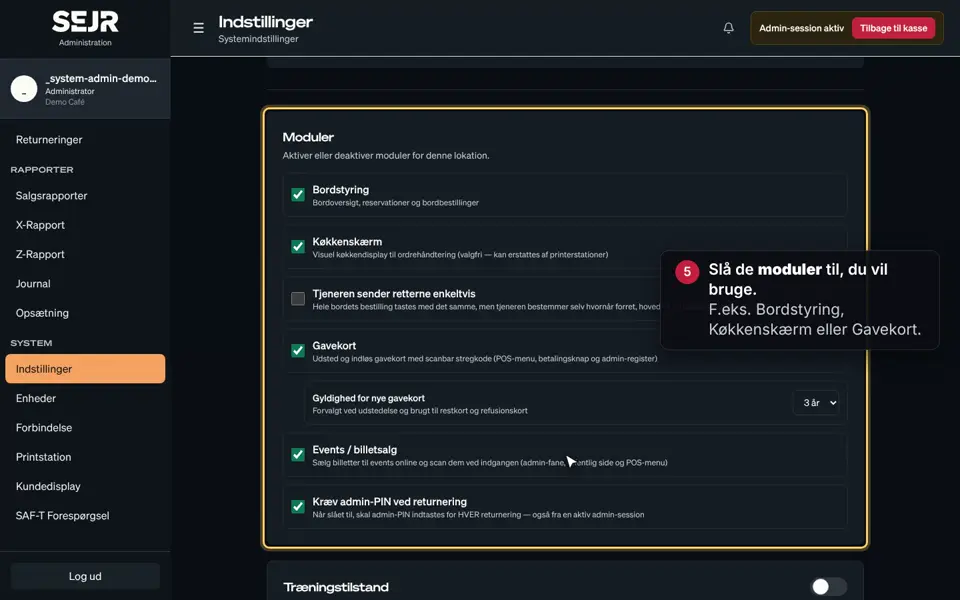 0:47 Use Settings Learn how to use Settings in SEJR POS. Video 0:47 · 9 steps→
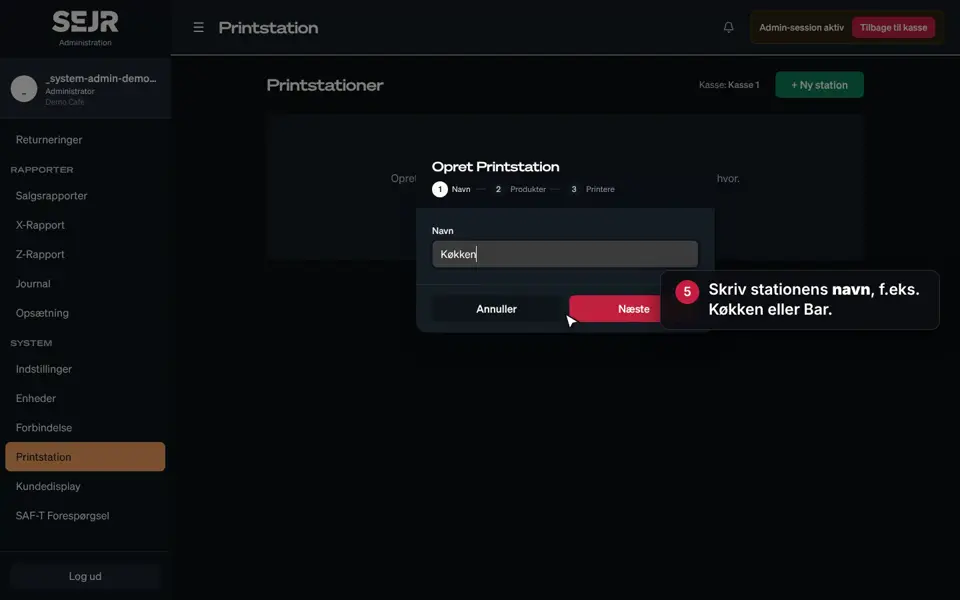 0:40 Create a print station Learn how to create a print station in SEJR POS. Video 0:40 · 10 steps→
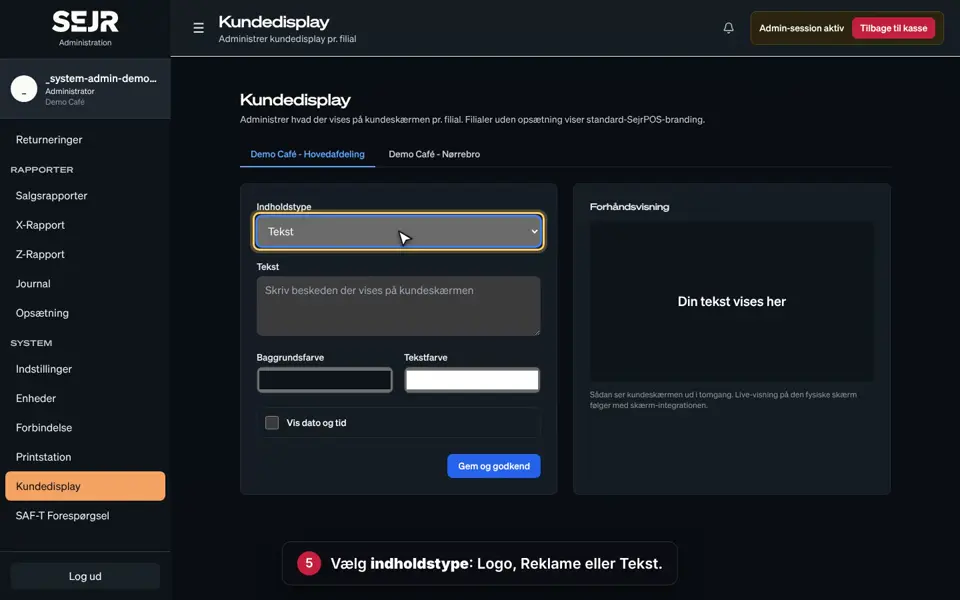 0:38 Set up the customer display Learn how to choose what customers see on the customer display at the till. Video 0:38 · 10 steps→
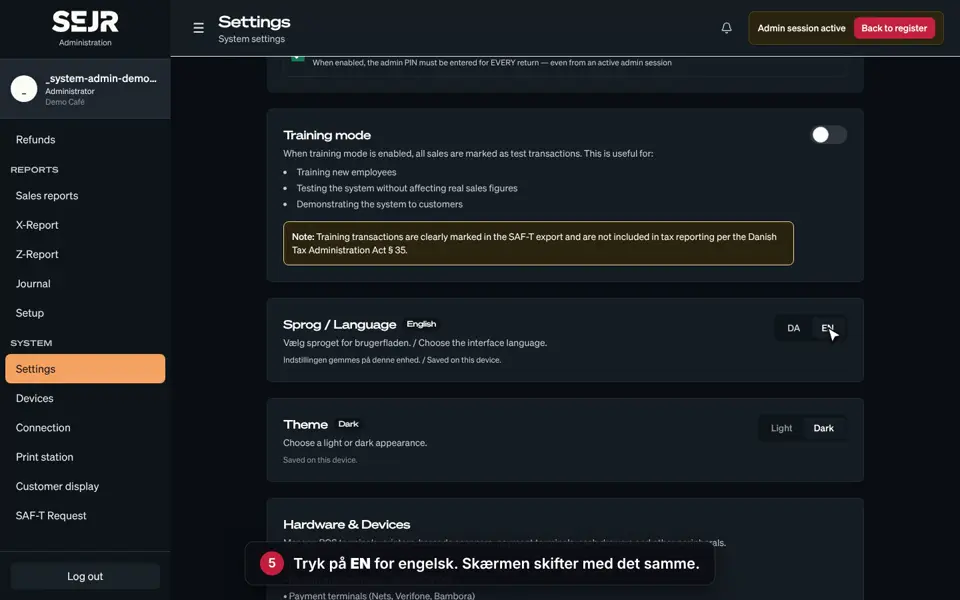 0:45 Change language Learn how to switch SejrPos between Danish and English. Video 0:45 · 8 steps→
Did not find the answer?
Call or write, and we will take it from here.
Weekdays 9–17, Danish time