Help centre · SEJR POS
Daily use
Sales, payment, returns and the day's routine. Choose what you need help with. Each guide is a short video with the steps written out.
14 video guides
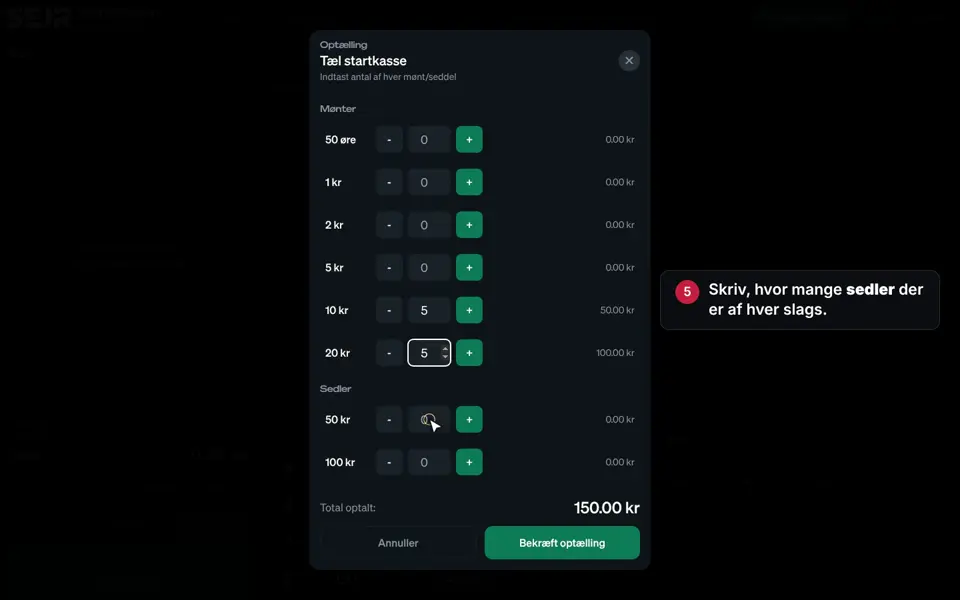 0:31 Start the day Learn how to open the till in the morning. Video 0:31 · 8 steps→
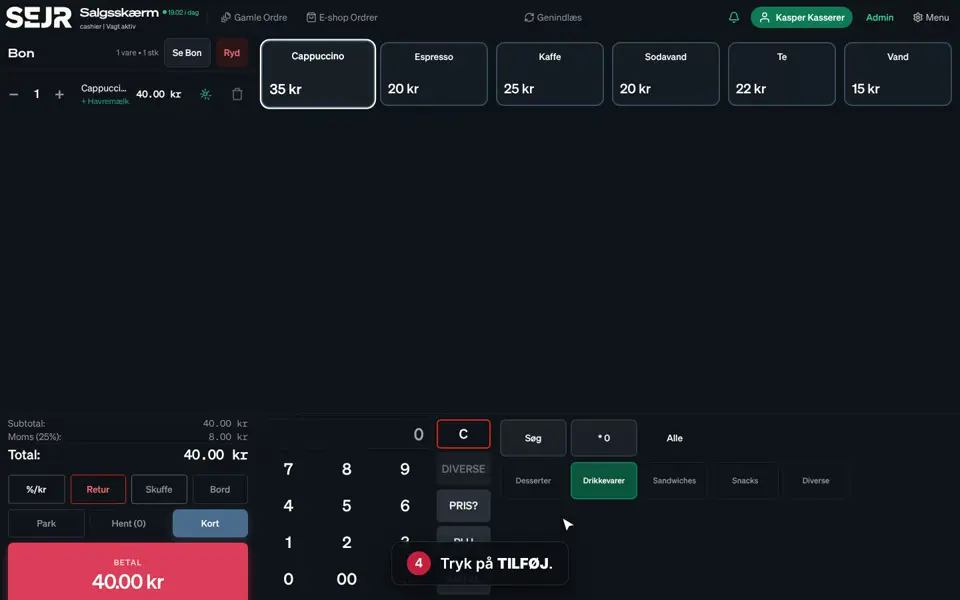 0:43 Sell on the till Learn how to make a sale on the till in SEJR POS. Video 0:43 · 9 steps→
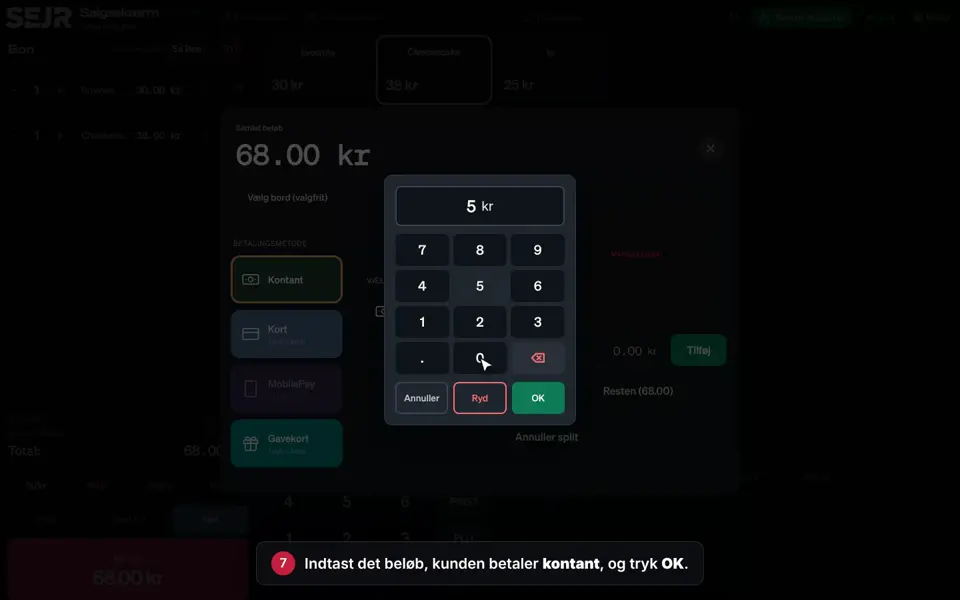 0:51 Pay with cash and card Learn how to take a payment where the customer pays part in cash and the rest by card. Video 0:51 · 13 steps→
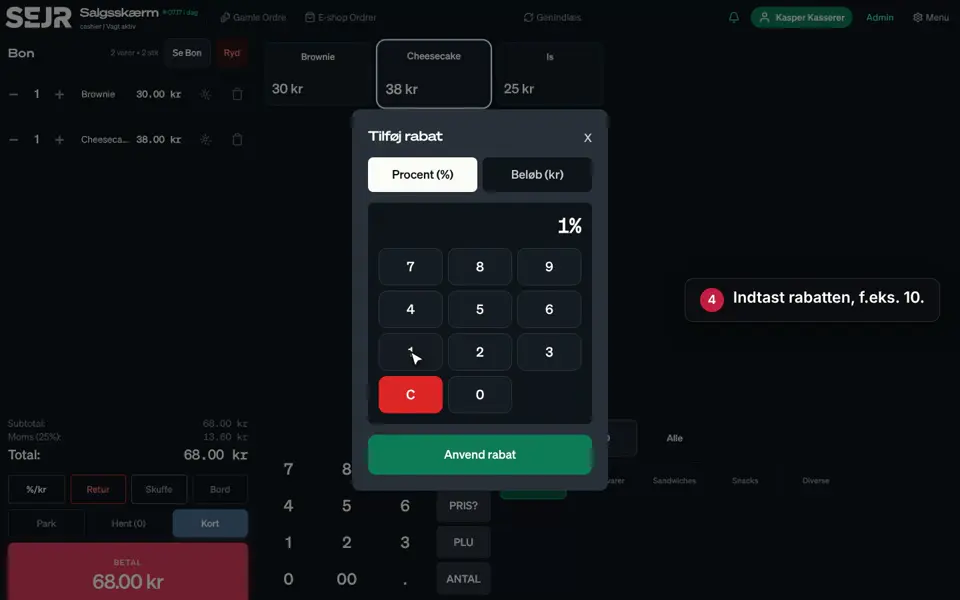 0:32 Give a discount Learn how to give a discount on the whole order. Video 0:32 · 6 steps→
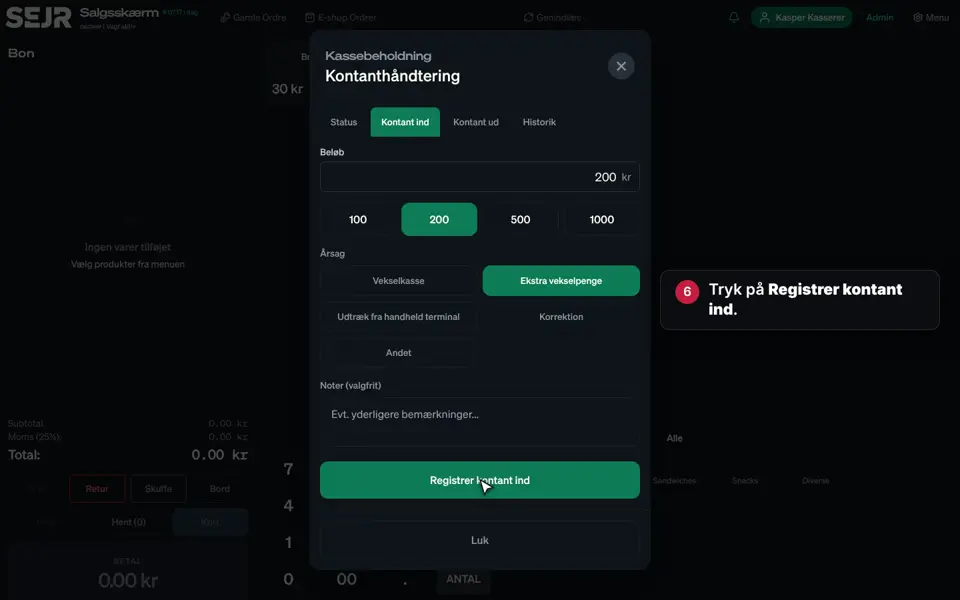 0:49 Cash in and out Learn how to record money that is put into or taken out of the till. Video 0:49 · 11 steps→
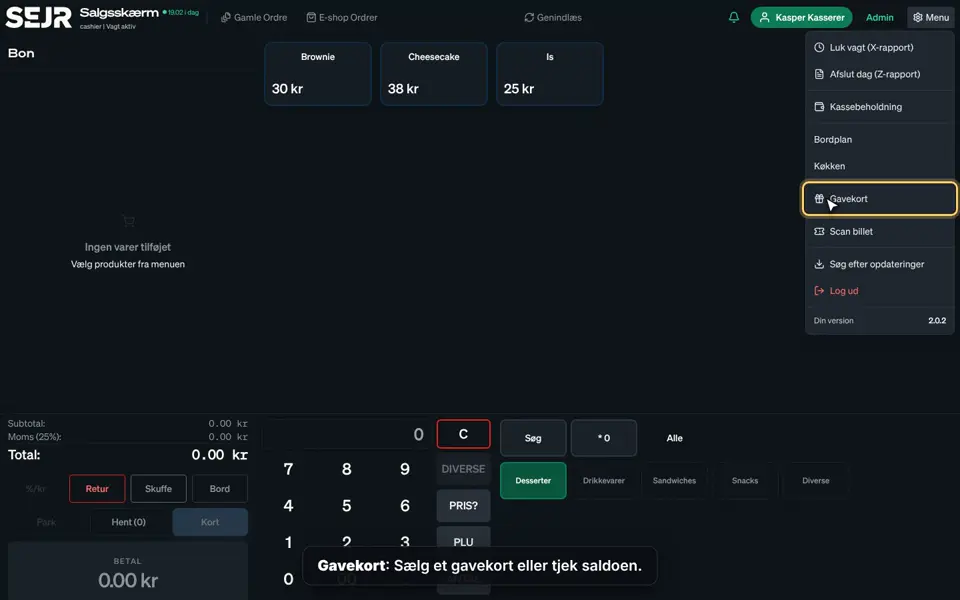 0:54 The menu on the till Learn what you find under Menu on the till. Video 0:54 · 3 steps→
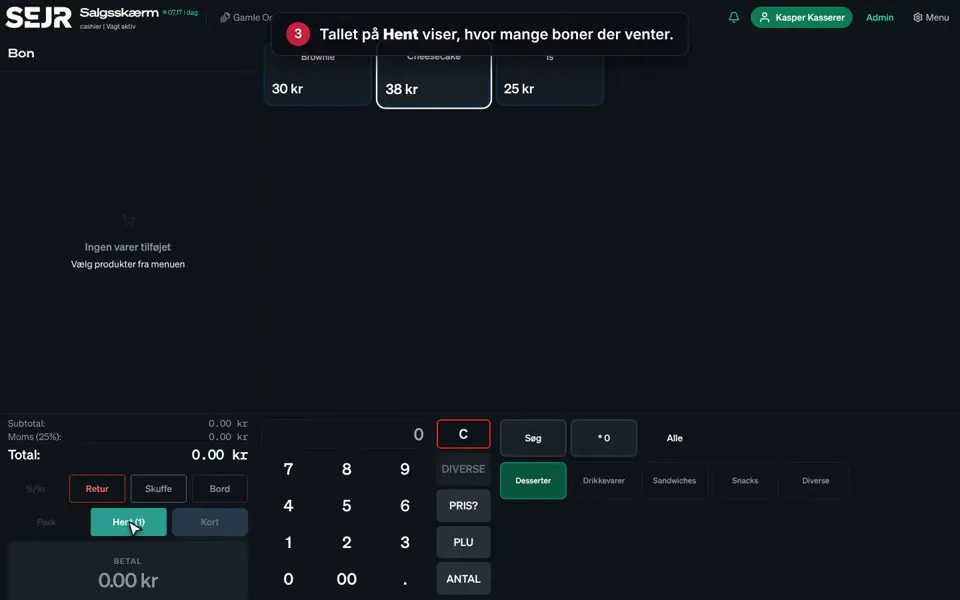 0:32 Park an order and pick it up again Learn how to save an order for later, e.g. if the customer has forgotten their wallet. Video 0:32 · 6 steps→
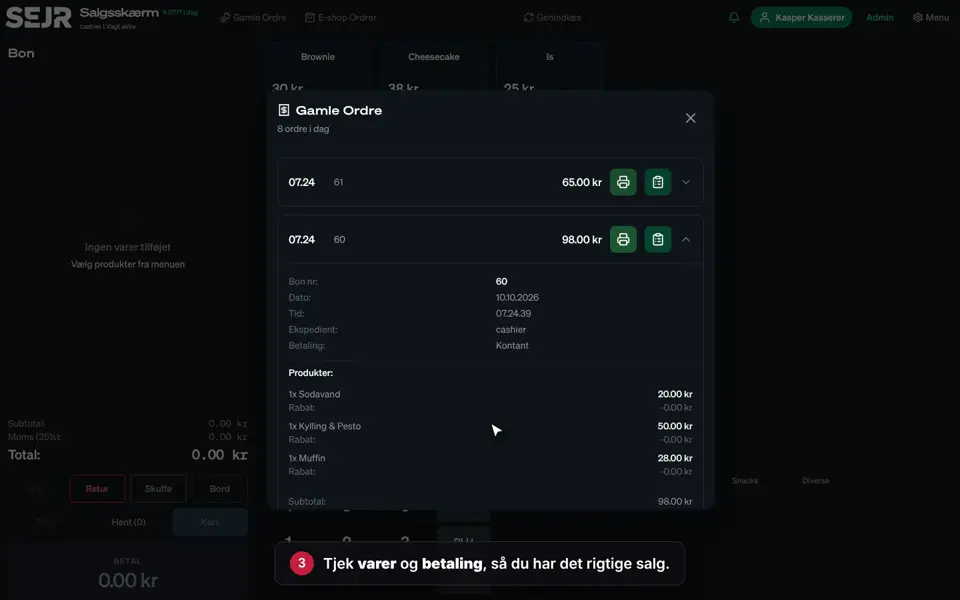 0:25 Print a receipt again Learn how to print a receipt again, e.g. if the customer has lost it. Video 0:25 · 5 steps→
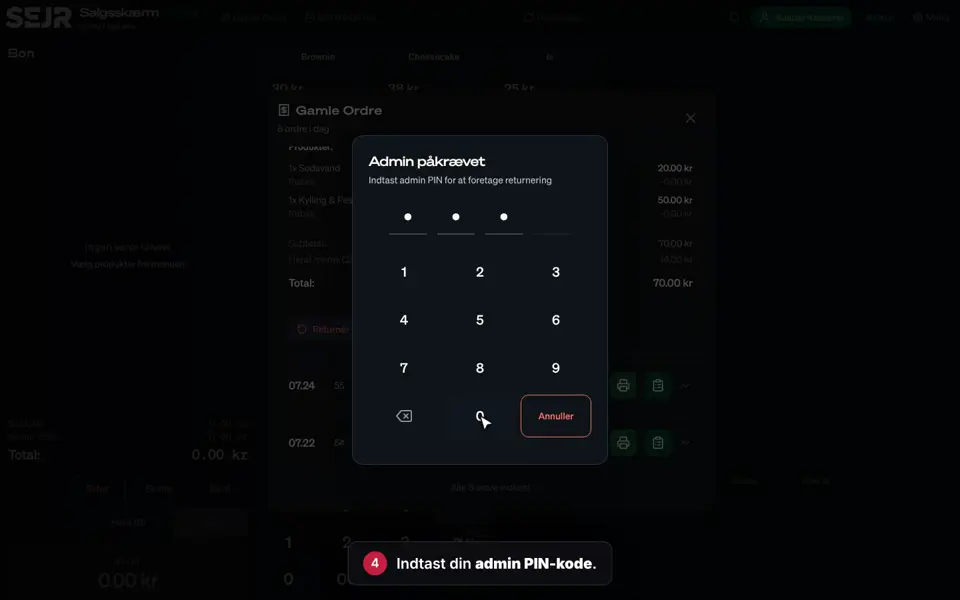 0:35 Return with a receipt Learn how to take an item back when the customer has the receipt. Video 0:35 · 8 steps→
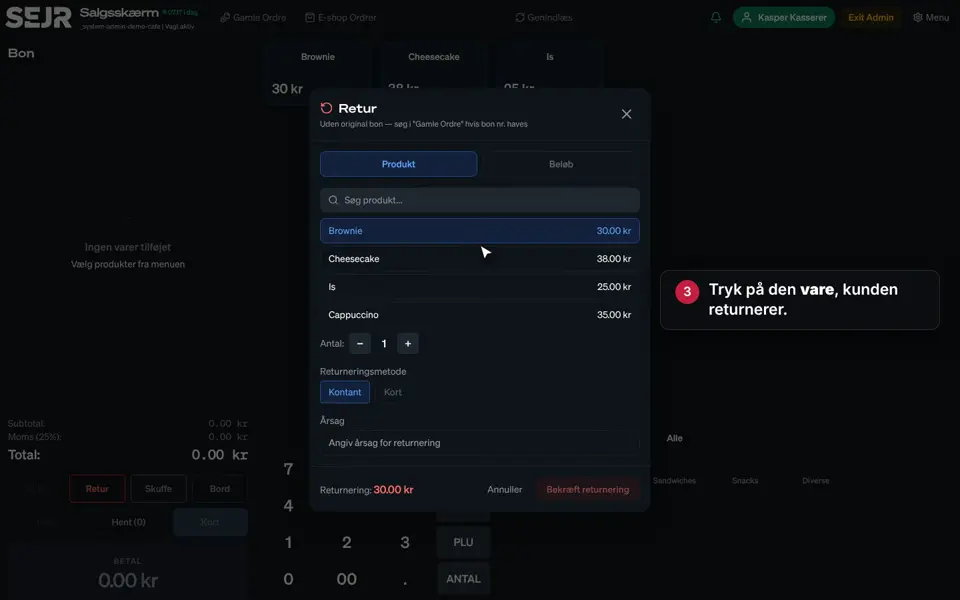 0:28 Return without a receipt Learn how to take an item back when the customer does not have the receipt. Video 0:28 · 6 steps→
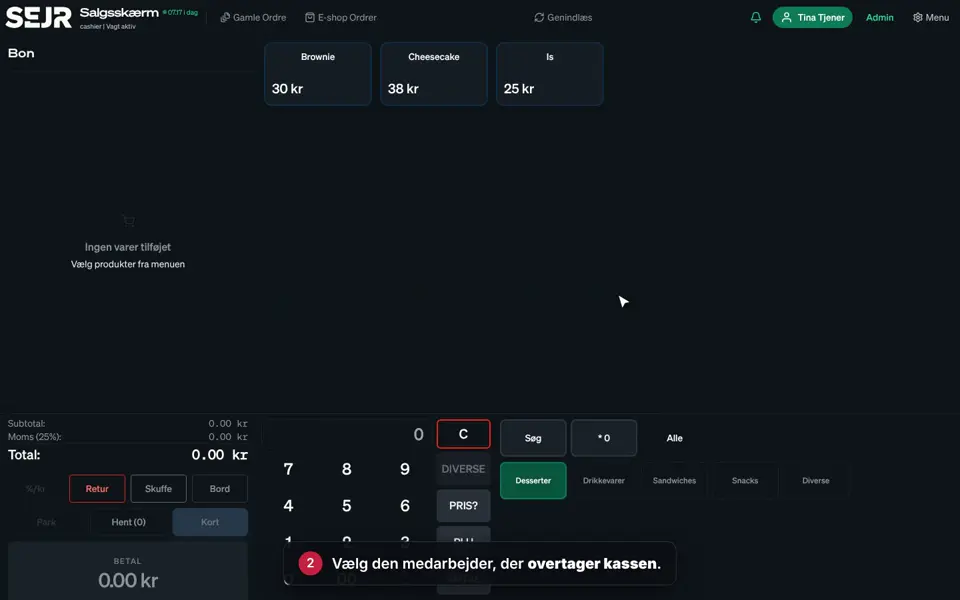 0:14 Switch cashier Learn how to switch employee on the till in the middle of the day. Video 0:14 · 3 steps→
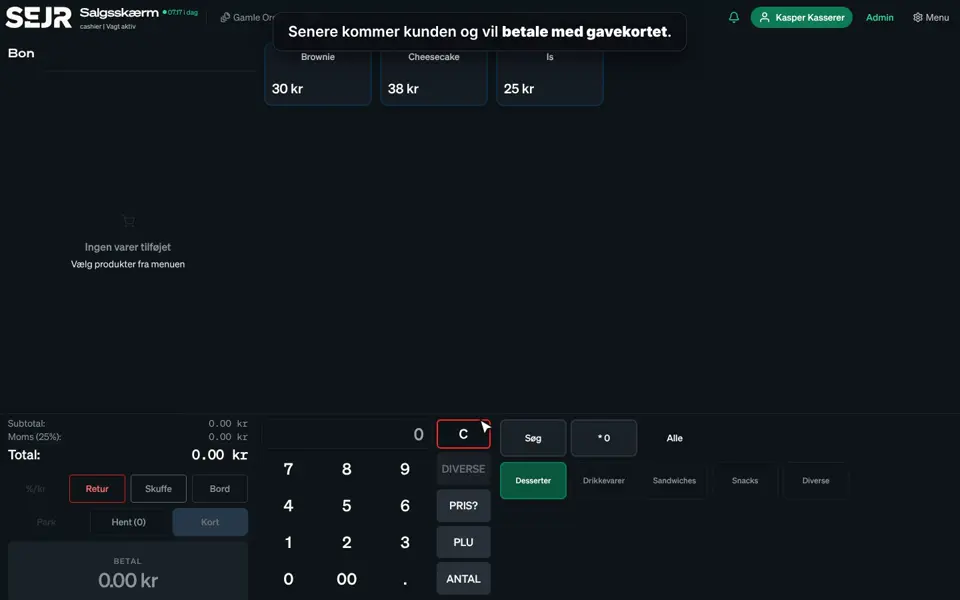 0:52 Sell and redeem gift cards Learn how to sell a gift card, and how the customer pays with it later. Video 0:52 · 12 steps→
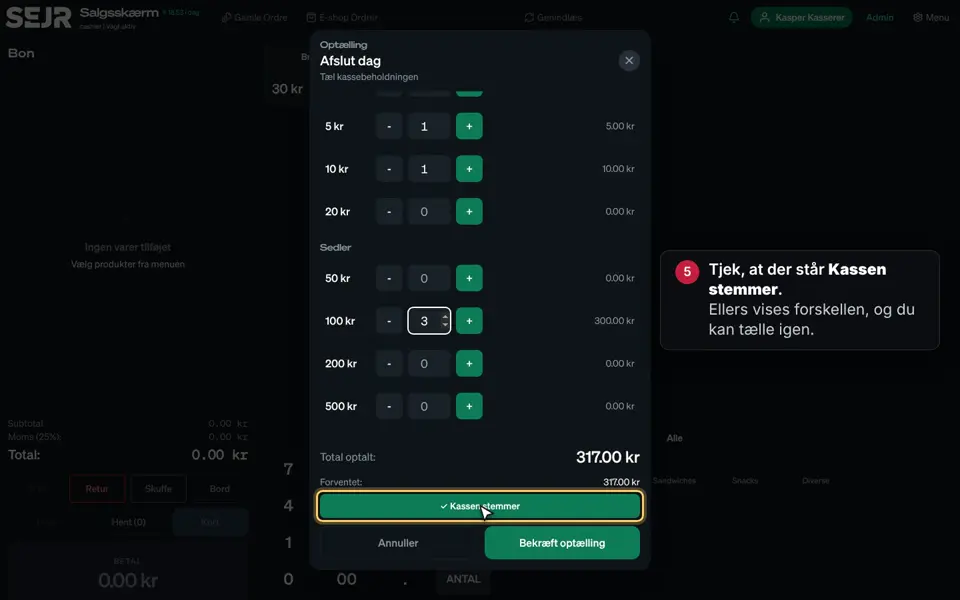 0:52 End the day Learn how to end the day on the till in SEJR POS. Video 0:52 · 11 steps→
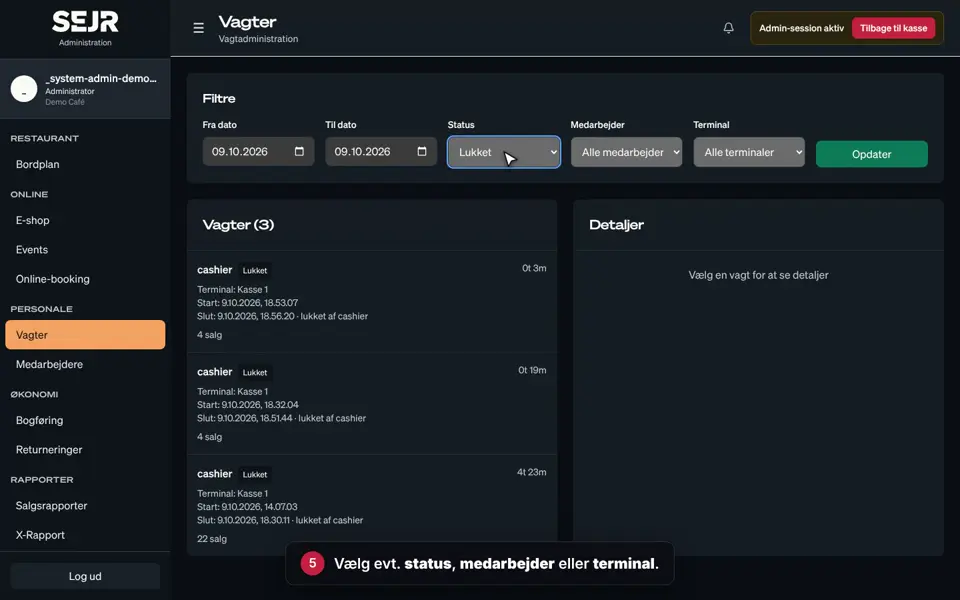 0:41 See your shifts Learn how to find a shift and see whether the till balanced. Video 0:41 · 9 steps→
Did not find the answer?
Call or write, and we will take it from here.
Weekdays 9–17, Danish time